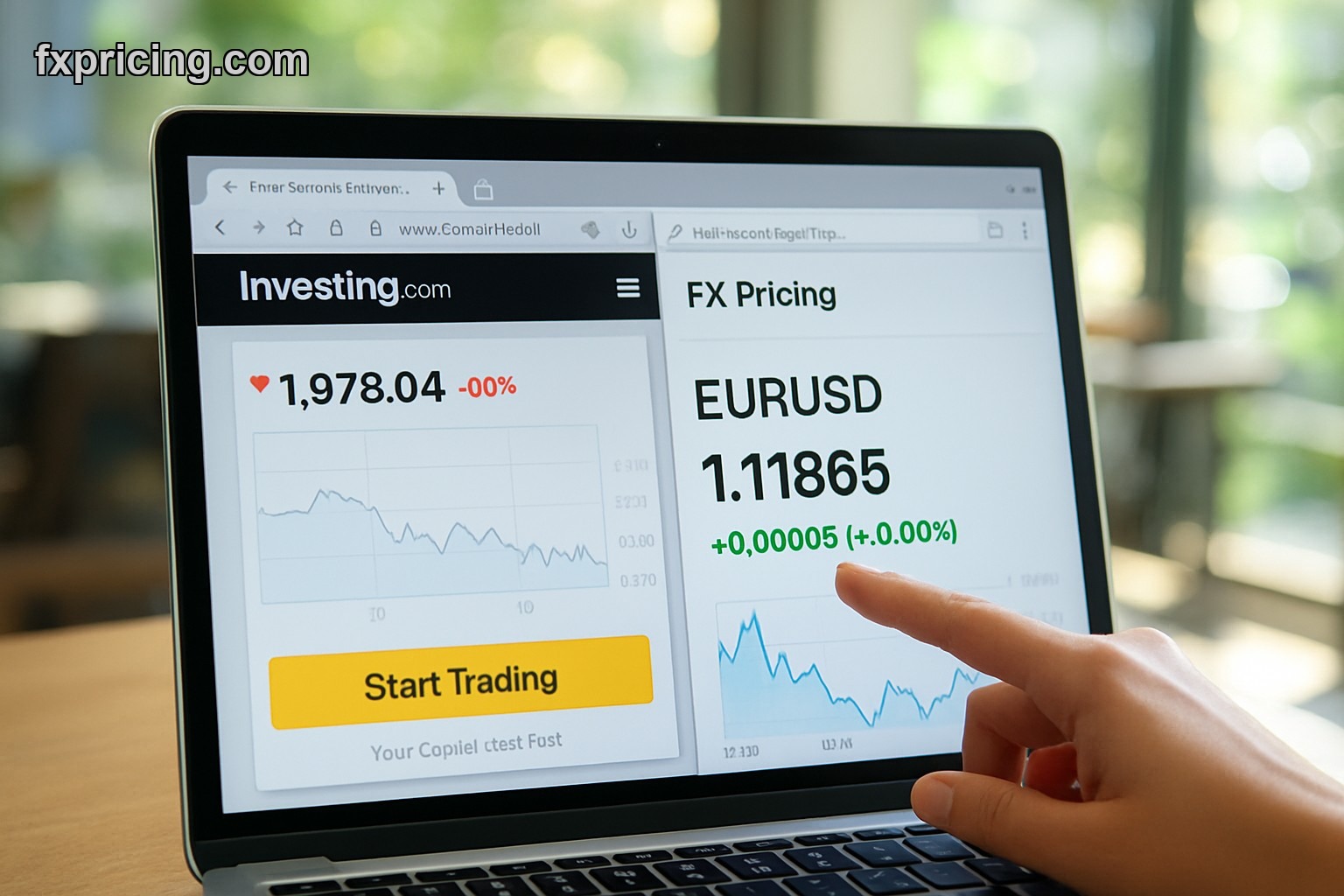
The best XE currency converter alternative in 2026 is a tool that provides live rates with real-time updates, requires no signup, and offers free embeddable widgets for websites — features that XE now locks behind premium tiers or clutters with ads and branding.
- Why You Need an XE Currency Converter Alternative in 2026
- Best Free Currency Converter Widgets Today
- How to Embed a Free Currency Converter Widget on Your Website
- Risk Factors When Choosing a Currency Converter
- Frequently Asked Questions
Why You Need an XE Currency Converter Alternative in 2026
XE used to be the go-to currency converter for everyone. Clean interface, accurate rates, simple conversion. But in 2026 they've gone the way of every other free tool that got too popular — premium features, account requirements, and widgets that come with their branding plastered all over your site. If you run an ecommerce store or travel blog you dont want someone else's logo competing for attention on your page.
The bigger problem is widget variety. XE offers maybe two widget options and both require you to create an account before you can customize anything. For a website owner who just wants to add a quick currency tool this is friction you dont need. You're looking for copy-paste simplicity not another login to manage.
I switched to an xe currency converter alternative because I needed something that updated every 5 seconds with live rates and didnt force my visitors to see someone else's brand. The Fxpricing currency converter widget does exactly that — no signup, no ads, just clean real-time exchange rates for 150+ currency pairs.
Best Free Currency Converter Widgets Today
To embed a free currency converter widget on your website you need a platform that gives you the HTML snippet without forcing account creation or limiting features behind paywalls.
Here's what separates the best alternatives from the rest in 2026. First, update frequency matters more than people think. A widget that refreshes rates every 30 seconds is useless during volatile sessions when EUR/USD can move 20 pips in under a minute. You need 5-second updates or you're showing stale data to visitors who might be making actual financial decisions based on what they see.
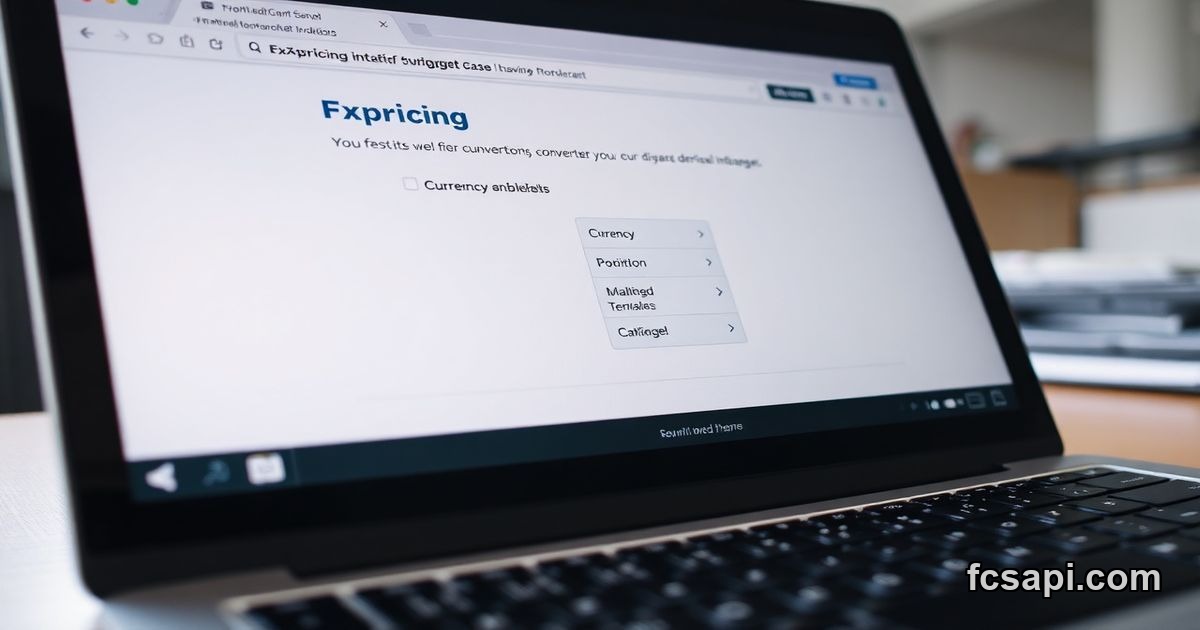
Second, customization without restrictions. Most free widgets lock color themes, size adjustments, and currency pair selection behind premium plans. The free currency converter widget from Fxpricing lets you pick light or dark theme, set custom width and height, choose transparent backgrounds, and select any currency pair from their 150+ options — all without paying or signing up.
Third, branding control. If you're running a professional site you cant have a competitor's logo sitting in your widget. XE widgets come with mandatory branding unless you pay for their enterprise plan which starts at a price point that makes no sense for small publishers. Fxpricing widgets show a tiny "Powered by FX Pricing" credit that you can remove entirely if you're a paid user but even the free version keeps it minimal and unobtrusive.
How to Embed a Real-Time Currency Converter Widget
You embed a real-time currency converter by copying a single line of HTML code and pasting it into your site's page editor — the widget starts displaying live rates instantly with zero configuration required.
The process takes about 30 seconds. Go to the widget page, select your "From" and "To" currencies from the dropdown menus, pick your theme and size preferences, then hit the copy button on the generated code. Paste that snippet wherever you want the widget to appear in your HTML. Done. No API keys to generate, no developer documentation to read, no callback URLs to configure.
This is where XE alternatives win in 2026. XE makes you create an account, verify your email, then navigate through three different settings pages before you even see widget code. And when you finally get the code it comes with restrictions on how many conversions per month you can display before they throttle your widget or ask you to upgrade.
Risk Factors When Choosing a Currency Converter for Price Prediction
The biggest risk with free currency converters is data accuracy during high-volatility periods. Some platforms pull rates from a single liquidity provider which means you might see EUR/USD at 1.0850 on their widget while the actual interbank rate is trading at 1.0845. That 5-pip spread matters if your visitors are using the widget to decide whether to buy or sell foreign currency today.
Another risk is update lag. Widgets that refresh every 60 seconds are basically useless for anyone trying to make a real-time decision. By the time the widget updates the market has already moved and your visitor is looking at outdated information. This destroys trust fast especially if you're running a forex education site or financial blog where accuracy is your entire value proposition.
Third risk is widget downtime. Free tools often run on shared infrastructure that goes down during peak traffic or major market events. I've seen currency widgets from big-name providers just stop updating during NFP releases or central bank announcements when visitor traffic spikes and everyone's refreshing the page. If your widget shows frozen rates during the exact moment people need live data you've just lost credibility.
The solution is picking a provider that aggregates rates from multiple sources and has infrastructure built to handle traffic spikes. Check the currency converter widget options and test them during volatile sessions before you commit to embedding one permanently.
Frequently Asked Questions
Is the Fxpricing currency converter widget free?
Yes the widget is completely free with no signup required. You can embed it on any website and it will display live rates updated every 5 seconds. Paid users get extra features like custom branding removal and additional font options but the core functionality costs nothing.
Do I need an account to use the widget?
No you dont need an account. Just copy the HTML code and paste it into your site. The widget works immediately without any registration or API key setup.
How often do the exchange rates update?
Rates update every 5 seconds pulling from multiple liquidity providers to ensure accuracy during volatile market conditions. This is faster than most competitors who refresh every 30-60 seconds.
Can I customize the widget appearance?
Yes you can choose light or dark themes, set custom width and height, enable transparent backgrounds, and select from 150+ currency pairs. Free users get full customization access without restrictions.
What currencies are supported in the converter?
The widget supports over 150 currency pairs including all major forex pairs like EUR/USD, GBP/JPY, and exotic pairs like TRY/ZAR. You can set any combination as your default From and To currencies when generating the embed code.