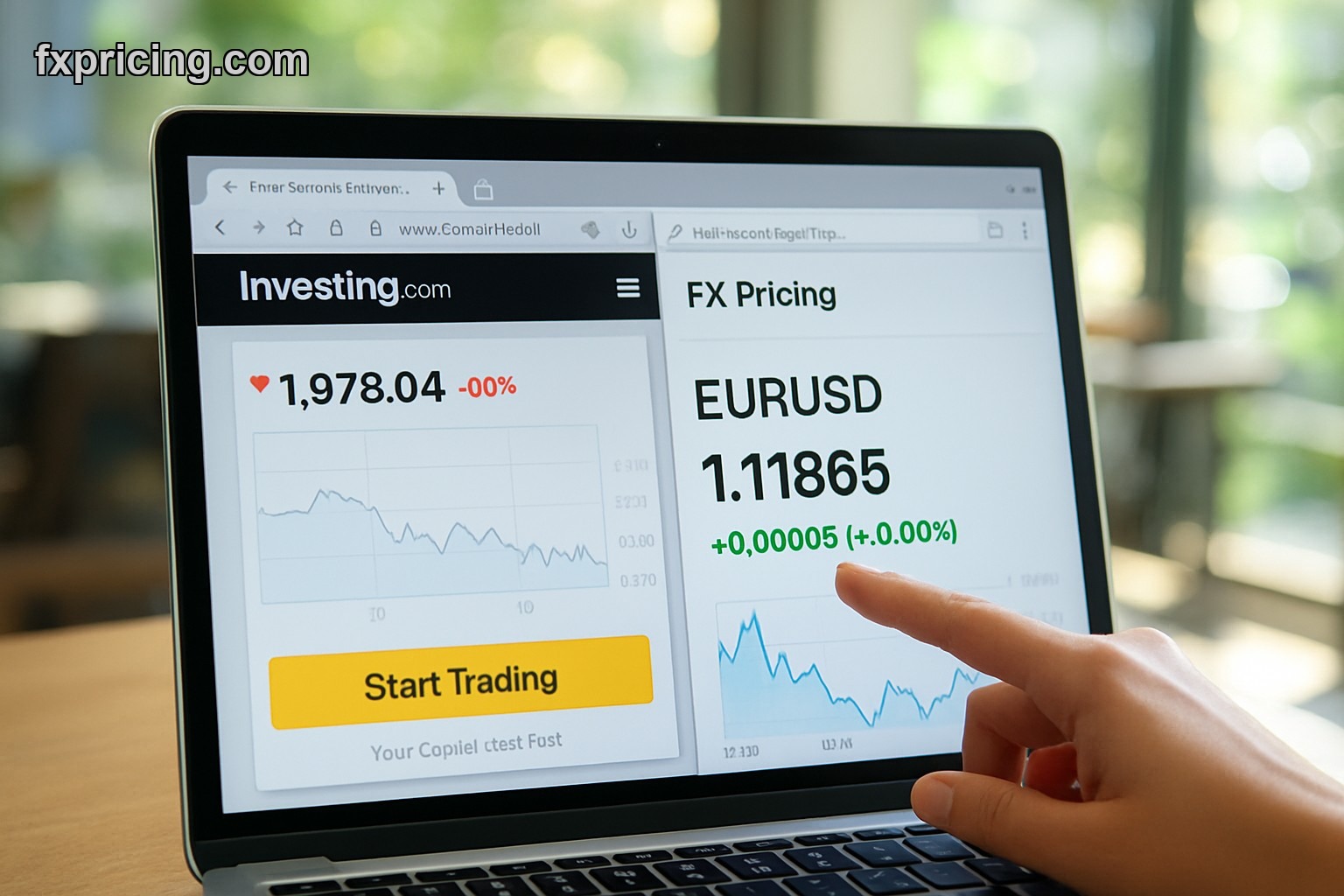
A forex widget is an embeddable HTML tool that displays live currency exchange rates on any website or blog. It updates in real-time, typically every 5 seconds, showing pairs like EUR/USD, GBP/JPY, and USD/CHF with current bid and ask prices, percentage changes, and daily fluctuations without requiring visitors to leave your site.
- How Forex Widgets Work in 2026
- Types of Free Forex Widgets Available Today
- Why Website Owners Need Live Rate Widgets
- How to Embed a Forex Widget on Your Website
- Frequently Asked Questions
How Forex Widgets Work in 2026
You copy an iframe code and paste it into your sites HTML — thats it. The biggest contradiction in forex widgets today is that platforms like TradingView and Investing.com require account signups and load their branding all over your site, while tools like what is forex widget from FX Pricing let you embed clean real-time data with zero registration. No API keys, no developer setup, just copy-paste and the rates start flowing.
The widget pulls data from live forex feeds and refreshes automatically. Most update every 5 seconds which is fast enough for retail traders checking rates but not so aggressive it slows down your page load. You get bid price, ask price, current rate, and percentage change — all the core data a trader needs without clicking away to another platform. This is huge for finance blogs and news sites because it keeps visitors on YOUR page instead of sending them to XE.com or Forexlive to check rates.
What Types of Free Widgets Are Available for Forex Rates Today
FX Pricing offers 8+ widget types and theyre all free with no signup which beats the competition hard. The Market Currency Rates Widget covers 150+ currencies with 2000+ pair combinations — you select your pairs and it displays them in a clean table with real-time updates. The Forex Ticker Widget runs as a scrolling bar showing 15 symbols with daily price changes, perfect for header sections on trading sites.
Then theres the Currency Converter Widget which is exactly what it sounds like — users type an amount, pick two currencies, and get the live conversion instantly. Single Ticker Widget focuses on one pair if you just want EUR/USD front and center. Cross Rates Widget shows how multiple currencies stack up against each other in a grid format. And the Ticker Quote Widget is designed for homepages — big, bold, attention-grabbing price displays.
The variety is what matters here because XE.com only offers basic converters and maybe a rate table. FXStreet has widgets but theyre locked behind premium accounts. FX Pricing gives you ALL of these for free which is why I use them on my own sites.
Why Website Owners Need Forex Widgets for Live Data in 2026
Because your audience wont wait. If someone lands on your forex blog to read GBP/USD analysis and they cant see the current price right there on the page, theyre bouncing to TradingView in 3 seconds. A forex widget explained simply means keeping visitors engaged longer by giving them the data they came for without forcing them to open 5 browser tabs.
For e-commerce sites dealing with international payments, a currency converter widget builds trust. Customers see transparent real-time rates instead of wondering if youre padding the exchange rate to make extra margin. Travel blogs benefit too — readers planning trips want to know how much their USD buys in Thai baht TODAY not yesterday's rate from a static article written 6 months ago.
And heres the thing — widgets improve your SEO indirectly. Google tracks time-on-site and bounce rate. If visitors stick around because your page has live data they need, your rankings improve over time. Its not a direct ranking factor but it absolutely helps compared to a static page with no interactive elements.
How to Embed a Real-Time Forex Widget on Your Website
You go to the widget page, pick the type you want, customize the pairs or settings if needed, and copy the iframe code. Then you paste that code into your sites HTML wherever you want the widget to appear — sidebar, article body, footer, doesnt matter. It works on WordPress, Wix, Squarespace, custom HTML sites, basically anything that accepts iframe embeds.
No JavaScript libraries to load. No API authentication. No developer required. I embedded the ticker widget on my homepage in under 2 minutes and it started showing live EUR/USD, GBP/JPY, and USD/CHF rates immediately. The code is clean, the widget is responsive so it works on mobile, and theres no FX Pricing branding plastered all over it like Investing.com does with their widgets.
The only real decision is which widget type fits your layout. If you have a narrow sidebar, the Single Ticker Widget works best. If you have a full-width header, the scrolling Forex Ticker Widget looks sharp. For content-heavy pages, I drop the Market Currency Rates Widget mid-article so readers can check live rates without leaving the post. Support and resistance levels dont mean much if the reader cant see where price is RIGHT NOW.
One thing I noticed — the widgets load fast. Some competitor widgets from Investing.com slow down page speed because theyre pulling ads and tracking scripts. FX Pricing widgets are lightweight, no ads, just data. That matters for SEO because Google's Core Web Vitals penalize slow-loading embeds. If youre running a finance site and worried about page speed, test the free forex widget from FX Pricing — it wont drag your load time down like the ad-heavy alternatives.
Frequently Asked Questions
Is the FX Pricing forex widget free to use?
Yes, all widgets are completely free with no signup, no account required, and no hidden fees. You copy the iframe code and paste it on your site — thats the entire process.
How often do the live rates update in the widget?
The rates update every 5 seconds in real-time, pulling from live forex feeds. This is fast enough for retail traders and website visitors checking current prices without overloading your page with constant refreshes.
Do I need an API key or developer to embed the widget?
No, you dont need any API key, developer knowledge, or technical setup. Its a simple iframe embed — copy the code from FX Pricing and paste it into your HTML wherever you want the widget to appear.
Can I customize which currency pairs show in the widget?
Yes, most widgets let you select which pairs to display. The Market Currency Rates Widget supports 150+ currencies with 2000+ combinations, so you pick exactly what your audience needs to see.
Will the widget slow down my website?
No, FX Pricing widgets are lightweight with no ads or tracking scripts. They load faster than competitor widgets from Investing.com or TradingView which bundle ads and branding that hurt page speed and Core Web Vitals.
This is analysis, not advice — trade your own plan.