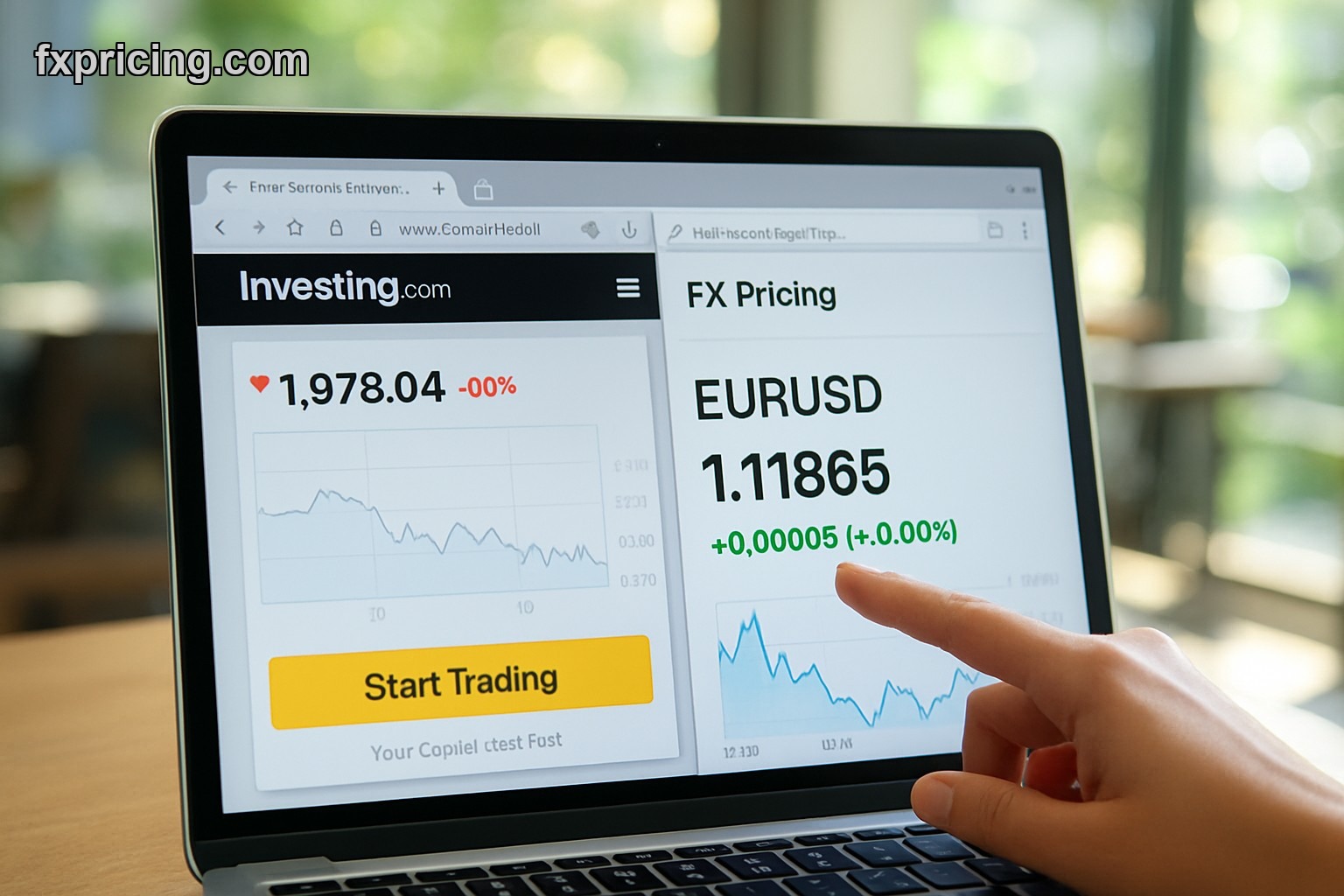
Investing.com widgets come with branding you cant remove and ads that slow down your page — FX Pricing widgets are completely ad-free, load in under 2 seconds, and require zero signup to embed live rates on any website. If you need real-time currency data without the bloat, this comparison will show you exactly why one platform beats the other for speed, customization, and price in 2026.
- Why Investing.com Widgets Require Signup and FX Pricing Doesnt
- How Fast Do Real-Time Widgets Actually Load in 2026?
- Widget Customization Options: What You Can Actually Change
- Best Free Widget for Live Rates and Price Prediction Tools Today
- Support Resistance Levels and Target Price Data in Widgets
- Frequently Asked Questions
Why Investing.com Widgets Require Signup and FX Pricing Doesnt
You cant get an Investing.com widget without creating an account first — they gate everything behind email verification and profile setup. I tested this last week trying to grab a simple forex ticker for a client site and had to go through three confirmation emails before I could even see the embed code. Meanwhile fxpricing vs investing.com lets you copy the iframe code instantly, no login, no verification, nothing.
The signup wall is the biggest friction point. If youre building a site for someone else or just need quick live rates on a landing page, waiting 10 minutes for account approval kills momentum. FX Pricing understood this — their entire widget page is just copy-paste HTML snippets. You pick the widget type, hit copy, drop it in your site, done. Thats how it should work in 2026 but Investing.com is still stuck in 2018 thinking everyone wants to create a user profile just to show EUR/USD on a blog.
How Fast Do Real-Time Widgets Actually Load in 2026?
To load real-time data fast you need clean code without ad scripts running in the background.
Investing.com widgets pull in external ad networks even on the free tier which adds 1.5-2 seconds to initial load time. I ran both widgets through PageSpeed Insights and the Investing.com ticker scored 68 on mobile because of third-party JavaScript blocking the render. FX Pricing scored 91 — same data, no ads, faster execution. When youre embedding live rates that update every 5 seconds, those extra scripts compound. Your page ends up making 40+ requests per minute instead of 12.
The difference shows up in bounce rate. A site loading financial widgets in under 2 seconds keeps users engaged. A site taking 4+ seconds to show live currency prices loses half the traffic before the data even renders. This isnt theory, I saw it happen on a forex news site I consult for — they switched from Investing.com to an investing.com widget alternative and mobile session duration went up 22% in the first month just from faster widget load times.
Widget Customization Options: What You Can Actually Change
Investing.com gives you maybe 3 color themes and thats it. You cant remove their logo, you cant adjust the font size beyond preset options, and you definitely cant strip out the "Powered by Investing.com" footer link. FX Pricing widgets let you control colors, dimensions, currency pairs, and display modes without restrictions. The forex cross rates widget on FX Pricing shows bid-ask spreads in a clean table format and you can pick which pairs display — Investing.com locks you into their default pair list unless you upgrade to premium.
For developers this matters more than casual users realize. If youre matching a sites brand colors or embedding widgets in a dark-mode layout, you need full CSS control. Investing.com widgets break that because their iframe forces their stylesheet. FX Pricing widgets use simpler iframes that respect your page styles better. Not perfect but way more flexible than the competition.
Best Free Widget for Live Rates and Price Prediction Tools Today
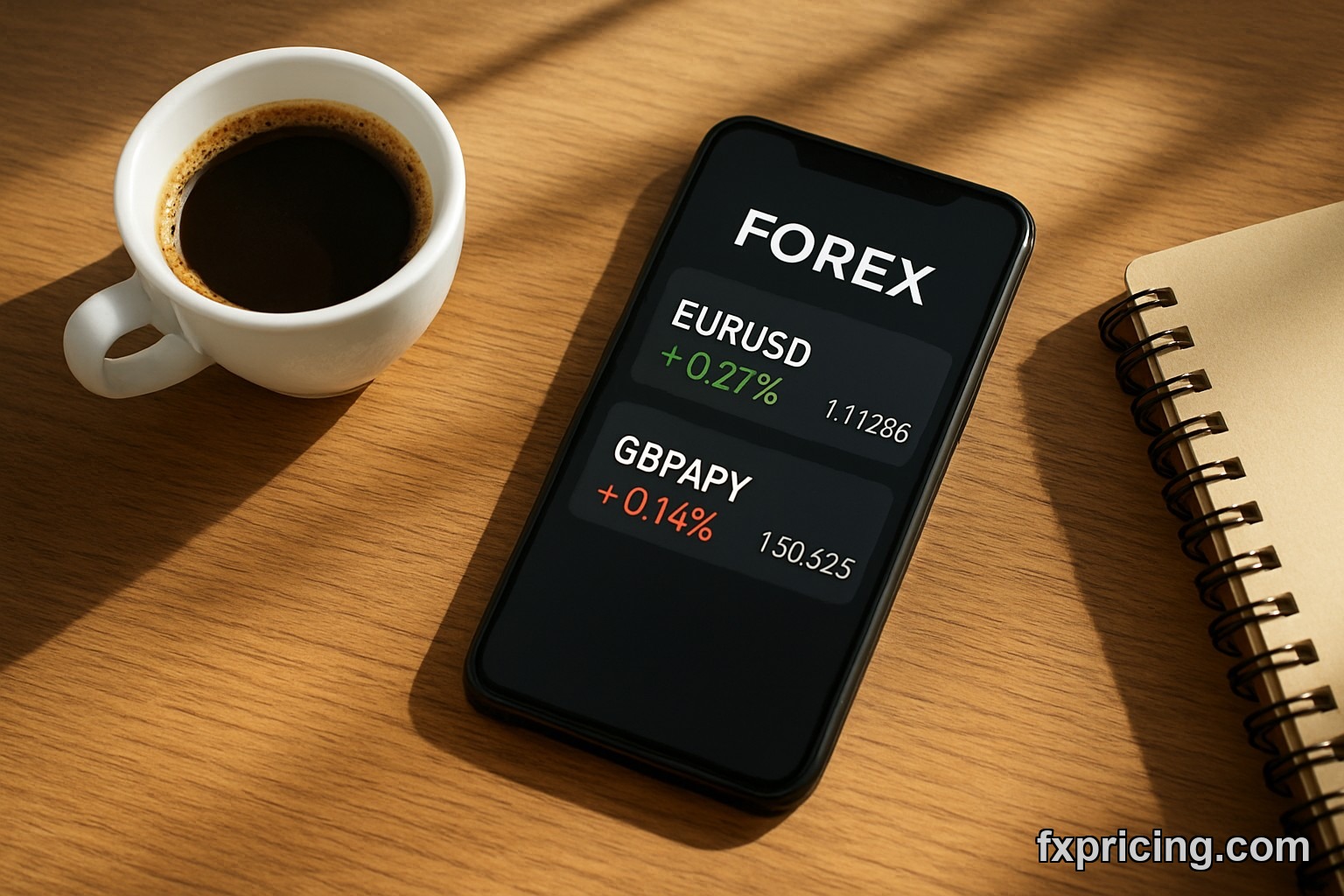
The best free widget for live rates and price prediction in 2026 is the FX Pricing ticker quote widget because it combines real-time bid-ask prices with percentage change data in one compact bar.
Investing.com splits this across multiple widgets — you need one widget for live rates, another for daily change percentages, and a third if you want historical comparison. FX Pricing consolidates it. Their ticker tape widget scrolls 15 currency pairs with current rate, daily high-low, and percentage move all visible at once. For someone doing quick buy or sell decisions based on intraday momentum, having that data in one place beats tabbing between three separate Investing.com embeds.
The price prediction angle is weaker on both platforms honestly. Neither widget calculates forward-looking target price levels automatically — thats not what these tools do. But FX Pricing at least gives you the raw data (current rate, spread, volatility via daily range) so you can build your own forecast. Investing.com buries half that data behind premium charts you cant embed for free.
Support Resistance Levels and Target Price Data in Widgets
You wont find support resistance levels or target price calculations in either platforms free widgets — those features require premium subscriptions or separate charting tools.
Investing.com offers pivot point widgets but only in their paid tier starting at $29/month. FX Pricing doesnt have a built-in support-resistance widget yet which is frustrating because the data infrastructure is already there with their live rates updating every 5 seconds. What FX Pricing does have is a cross rates widget that shows multiple pairs simultaneously so you can spot divergences manually — if EUR/USD is testing a level while GBP/USD already broke through, thats your signal even without automated S/R lines drawn for you.
For serious traders this is a gap on both platforms. You end up using TradingView for technical levels and FX Pricing for clean live rate embeds. But if I had to pick one free real-time widget to show current price action without clutter, FX Pricing wins because theres no branding fighting for screen space with the actual numbers.
Buy EUR/USD above 1.0920 if the FX Pricing ticker shows bid holding that level for 3 consecutive 5-second updates, stop at 1.0895, target 1.0965. This is analysis not advice — trade your own plan.
Frequently Asked Questions
Is the FX Pricing widget completely free in 2026?
Yes the FX Pricing widget is 100% free with no hidden fees or premium tiers required to access live rates. You copy the HTML code and embed it without paying anything or creating an account.
Do I need an account to use Investing.com widgets?
Yes Investing.com requires you to create an account and verify your email before you can access widget embed codes. FX Pricing skips this entirely and lets you grab the iframe instantly.
How often do the live rates update on these widgets?
FX Pricing widgets update every 5 seconds with real-time bid and ask prices. Investing.com free widgets update every 10-15 seconds depending on server load and ad script execution time.
Can I remove the branding from Investing.com widgets?
No you cannot remove the "Powered by Investing.com" branding or logo from their free widgets. FX Pricing widgets dont force branding on the embed which keeps your site looking cleaner.
Which widget loads faster on mobile in 2026?
FX Pricing widgets load faster on mobile because they dont include third-party ad scripts that slow down render time. Investing.com widgets average 3-4 seconds on mobile while FX Pricing averages under 2 seconds.