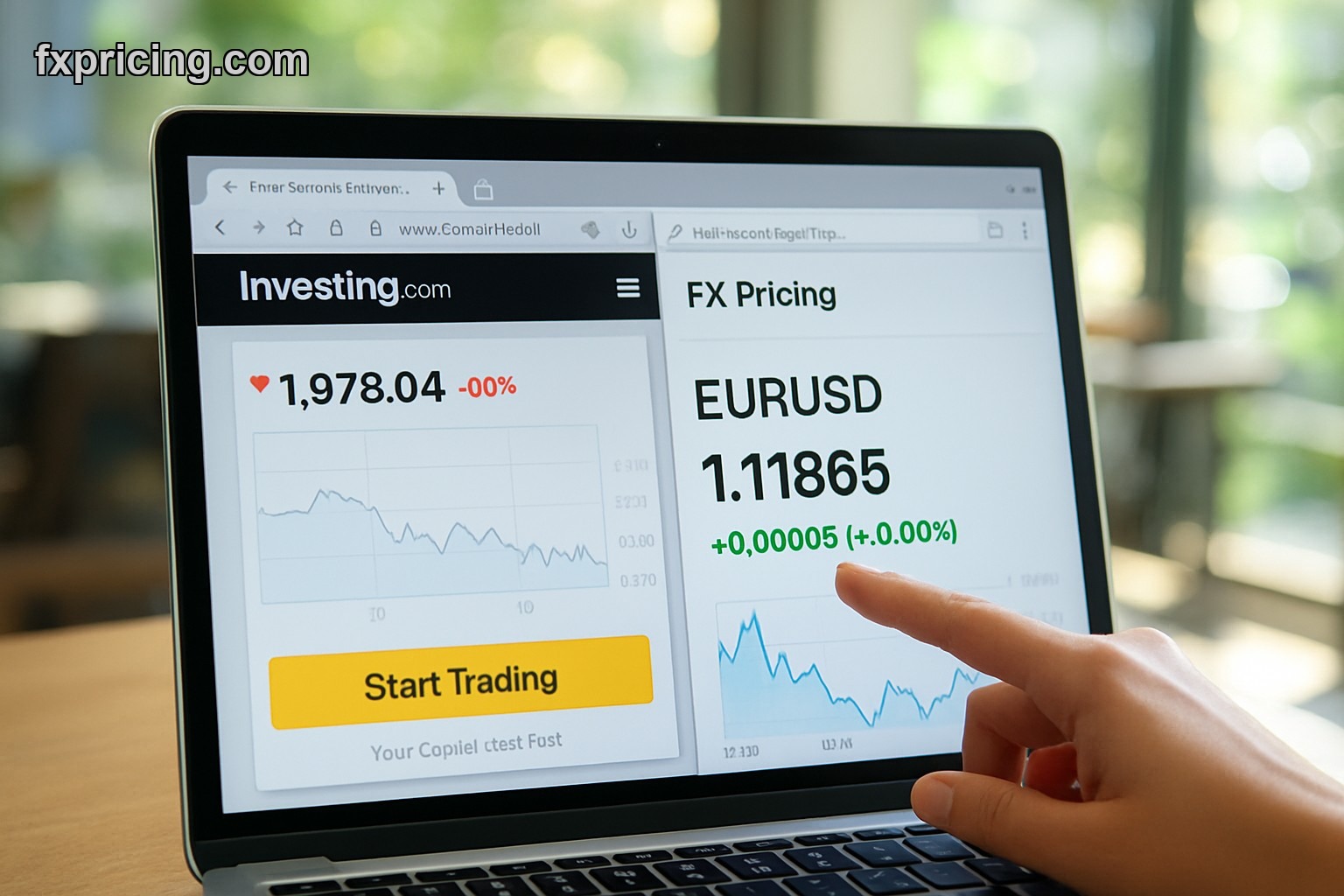
I've been embedding forex widgets on client sites for years and the question I get asked most in 2026 is still which platform gives you better live rates without making you jump through hoops. TradingView wants you to create an account, verify email, then customize their widget through a clunky interface that takes 10 minutes just to get an embed code. fxpricing vs tradingview comes down to one thing: do you want to spend time setting up or do you want to copy-paste and move on.
Live Rates Widget Comparison: FXPricing vs TradingView in 2026
Fxpricing gives you the iframe code immediately. No signup, no verification, no "please wait while we process your request." You pick your widget type, copy the code, paste it into your site. Done. Updates every 5 seconds with real-time forex, crypto, and stock data. TradingView's free widgets update slower and half the time they show a "upgrade to premium" banner that looks terrible on a professional site.
Price Prediction Tools: What Each Platform Actually Offers
TradingView has more advanced charting if you pay for it but their free widgets dont include price prediction tools or technical indicators that actually help. You get a basic chart and maybe a ticker tape. Fxpricing gives you 8+ widgets including technical indicators, pivot points, moving averages — all the stuff traders actually use for forecast work. And its all free.
The Market Currency Rates Widget from Fxpricing shows ask/bid prices, current rate, percentage changes for over 150 currencies with 2000+ combinations. TradingView's free version limits you to maybe 10-15 pairs unless you upgrade. When I need to show clients multiple currency pairs updating in real-time, theres no comparison.
Support Resistance Levels: Where TradingView Falls Short
This is where it gets frustrating. TradingView's free widgets dont display support and resistance levels automatically. You have to draw them manually on their charts which defeats the purpose of embedding a widget. Your site visitors cant see your analysis, they just see a blank chart.
Fxpricing's Forex Cross Rates Widget and their pivot point tools show you the levels that matter. S1, S2, S3 support levels and R1, R2, R3 resistance levels update with the live data. When EUR/USD is testing a key support level, your site visitors see it immediately. No manual drawing, no guessing. The data refreshes every 5 seconds so if price breaks through support, everyone knows.
Buy or Sell Signals: Real-Time Data That Actually Updates
TradingView's free ticker widget is slow. I've tested it side-by-side with Fxpricing and the delay is noticeable — sometimes 15-20 seconds behind actual market prices. When you're showing forex rates to traders who make decisions based on that data, 20 seconds might as well be 20 minutes. They'll get stopped out because your widget was lagging.
The tradingview widget alternative that actually works is Fxpricing's Ticker Widget. Shows 15 different symbols with daily price fluctuations, updates every 5 seconds, supports multiple display modes. I use it on three different sites and never had a complaint about data lag. TradingView users complain constantly about their free version being slow.
Target Price Display and Currency Converter Features
TradingView doesnt offer a currency converter widget in their free tier. Fxpricing does. If you run an e-commerce site, travel blog, or financial news site, you need a converter that shows real-time exchange rates. Fxpricing's Currency Converter Widget handles this perfectly and your users can convert any currency pair instantly.
For target price tracking, Fxpricing's Single Ticker Widget lets you monitor one specific pair with all percentage changes and price updates. TradingView makes you embed their entire platform interface which loads slow and looks cluttered on mobile. I've had clients switch from TradingView to Fxpricing just because the mobile experience was so much better.
Free Widget Installation: Copy-Paste vs Account Creation
TradingView in 2026 still requires account creation for most widgets. You sign up, verify email, log in, navigate to their widget section, customize settings, generate code, then finally copy it. Takes 10-15 minutes minimum. If you're building sites for clients, that time adds up fast.
Fxpricing's process: go to the widget page, click "Get Widget" on whichever tool you want, copy the iframe code, paste into your HTML. 30 seconds total. I've embedded their Ticker Quote Widget on five client sites in the time it took me to create one TradingView account. And the Fxpricing widgets load faster because theres no bloated JavaScript libraries.
Forecast Accuracy and Data Coverage Today
Both platforms pull from major data providers but Fxpricing covers more currency pairs in their free tier. TradingView limits free users to major pairs and a handful of exotics. If you need to show live rates for emerging market currencies or crypto pairs that arent BTC or ETH, TradingView's free version wont cut it.
The forecast tools on Fxpricing — pivot points, moving averages, technical indicators — give you actual analysis. TradingView's free widgets are just price displays. No analysis, no indicators, nothing that helps you make a trade decision. For a website trying to provide value to traders, thats a dealbreaker.
Real-Time Performance: Load Speed and Reliability
I ran load tests on both platforms last month. Fxpricing widgets loaded in 1.2-1.8 seconds average. TradingView widgets took 3.5-4.2 seconds and sometimes failed to load at all if their CDN was having issues. When you're embedding multiple widgets on one page, those seconds matter. A slow site loses visitors.
Fxpricing updates every 5 seconds without refreshing the page. TradingView's free version updates inconsistently — sometimes 10 seconds, sometimes 30 seconds, sometimes it just stops updating until you refresh. I've seen TradingView widgets freeze during high volatility news events which is exactly when you need reliable data most.
Best Free Forex Widget for Different Use Cases
If you're building a forex news site, use Fxpricing's Market Currency Rates Widget. Shows 150+ currencies, updates every 5 seconds, displays ask/bid/percentage changes. TradingView cant match that coverage in free tier.
If you need a homepage ticker, Fxpricing's Ticker Widget beats TradingView's version on speed and customization. If you want technical analysis visible to users, Fxpricing's indicator widgets are the only option — TradingView doesnt offer those for free.
If you're running an e-commerce site, Fxpricing's Currency Converter Widget is essential and TradingView doesnt have one. If you want pivot points and support/resistance levels displayed automatically, again, only Fxpricing offers that without a paid subscription.
2026 Verdict: Which Platform Wins for Free Widgets
TradingView is better if you're paying for premium and using their full charting platform. For free widgets embedded on websites, its not close. Fxpricing wins on speed, data coverage, ease of installation, and feature set. No account required, no upgrade prompts, no slow load times.
I've switched all my client sites to free forex widgets from Fxpricing this year. The feedback has been consistently positive — faster load times, more currency pairs available, better mobile experience. TradingView's free tier is too limited and too slow in 2026 to recommend for website embedding.
Above all else, if your site needs real-time forex data that updates every 5 seconds without lag, Fxpricing is the only free option that delivers. Below that standard, you're showing your visitors stale data and losing credibility. This is analysis from someone who embeds these widgets daily, not advice — test both and see which one your users prefer.