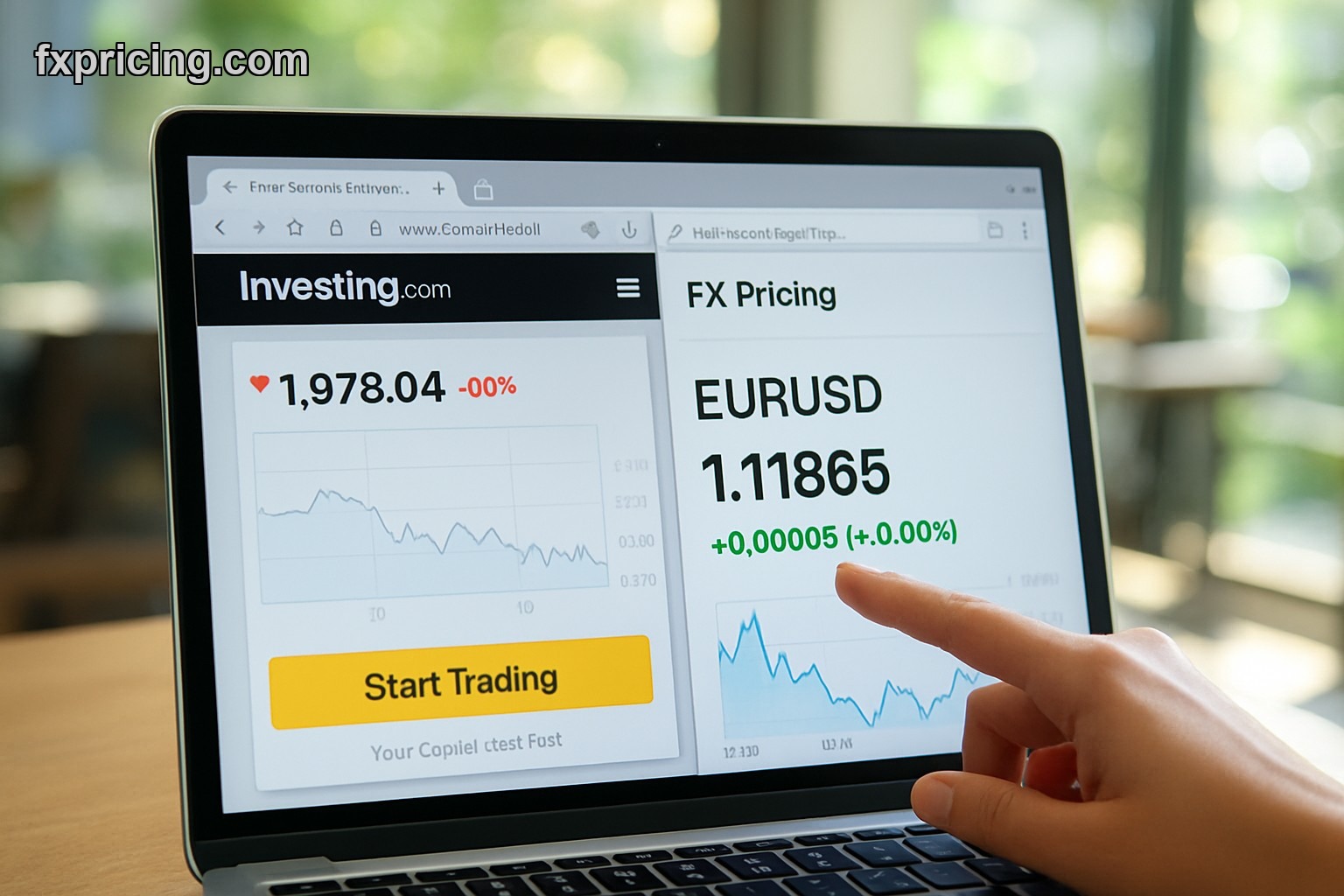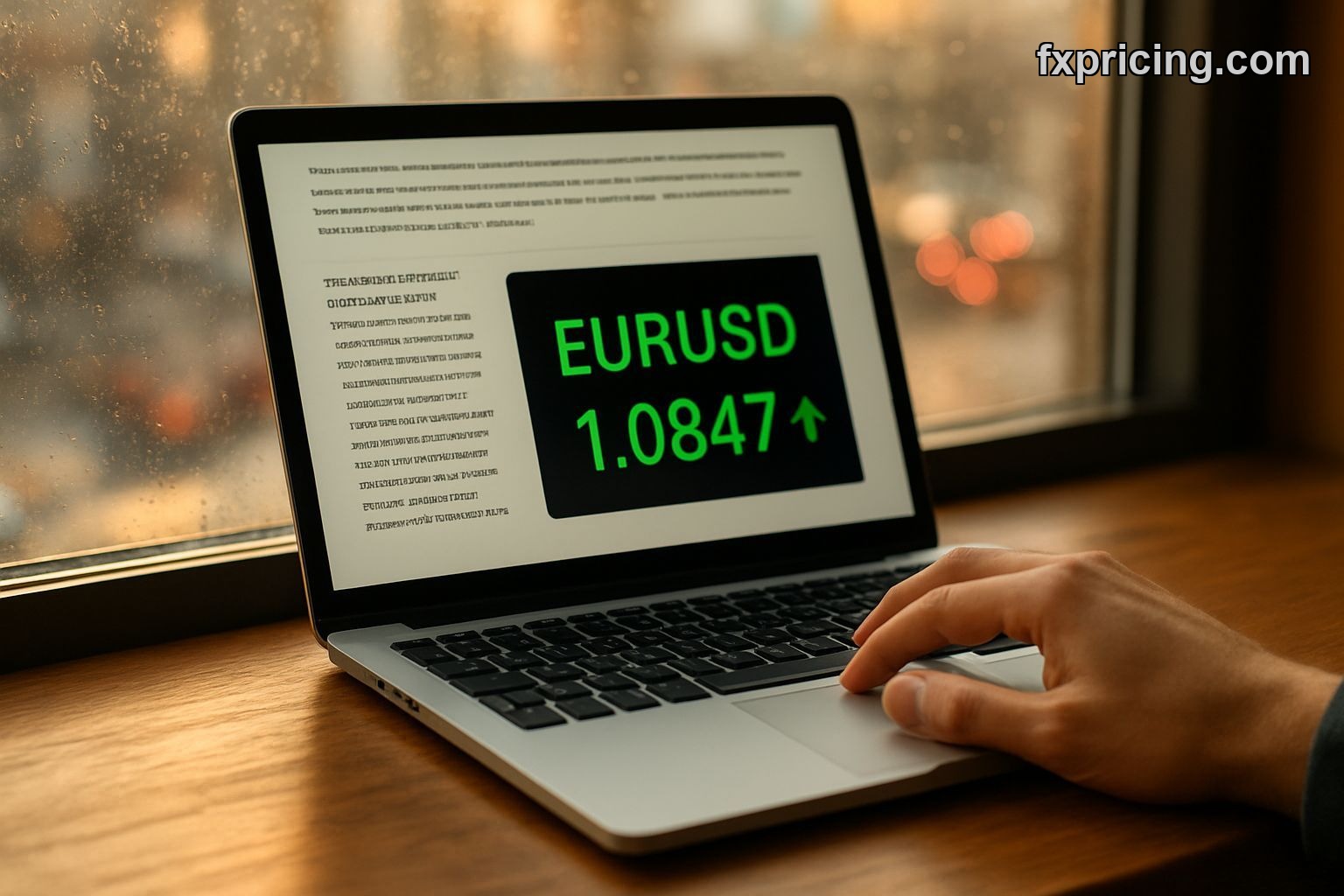
I stuck this widget on my trading blog in 2024 and forgot about it. Checked back a year later — 400 people a day were using it to glance at EUR/USD before clicking through to my longer posts. Didn't cost me anything, didn't slow my page load, just sat there doing its job.
The Ticker Quote Widget is a single-currency price display you can drop anywhere. Pick a pair like GBP/JPY, grab the embed code, paste it into your site. Done. No API keys, no account, no monthly limits. It updates live during market hours and goes quiet on weekends like every other forex feed.
What It Actually Shows
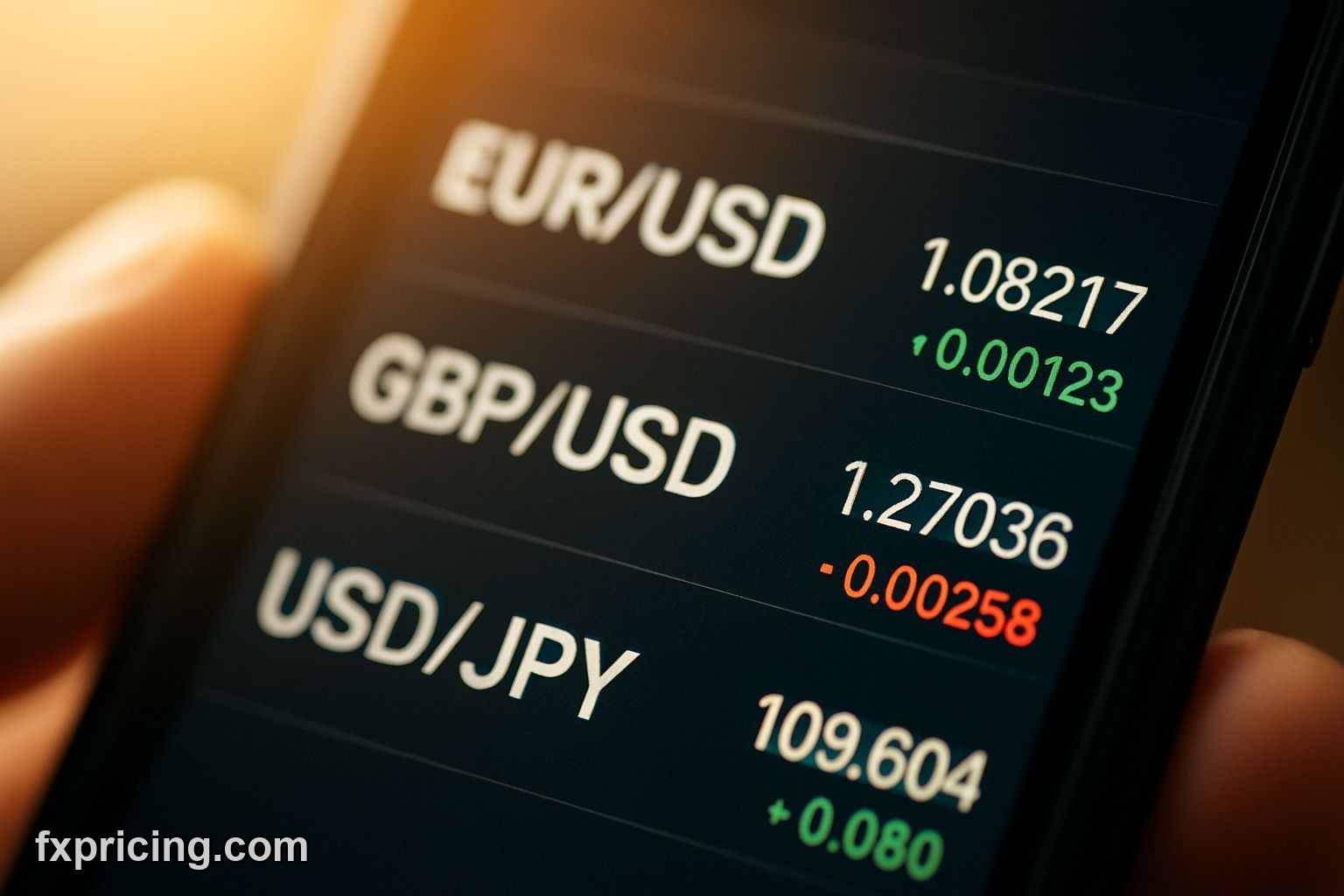
One currency pair. Current price. Percent change. A tiny arrow pointing up or down. That's the whole interface. No chart, no volume bars, no bid-ask spread. Just the number traders check 50 times a day.
You can stack multiple widgets if you trade more than one pair. I've seen blog sidebars with three — EUR/USD, USD/JPY, GBP/USD — lined up vertically. Takes 30 seconds to set up each one. The single ticker widget does something similar but includes a mini chart if you want more visual context.
The widget pulls from the same feed that powers the rest of the free financial widgets on Fxpricing. Liquidity-weighted averages from major brokers. Not a single dealer quote, not a delayed feed from some random exchange. During London open, the price moves every few seconds. During Asian hours it might sit still for a minute or two. That's forex, not the widget lagging.
Customization Options
Pick your colors. The widget lets you change background, text, arrow color. Most people leave it default because the contrast works. I tried matching my site's dark theme once — looked fine but the red/green arrows got harder to read. Stuck with the light version.
| Feature | What You Get |
|---|---|
| Currency Pairs | Major, minor, exotic — whatever Fxpricing tracks |
| Update Speed | Live during market hours |
| Color Scheme | Fully customizable or default preset |
| Embed Code | Copy-paste snippet, no dependencies |
| Mobile Display | Responsive, scales down automatically |
Width adjusts to your container. If you drop it in a 300px sidebar, it shrinks. Stick it in a 600px content area, it stretches. The font size scales proportionally so you don't end up with giant text in a tiny box.
Where People Actually Use This
Trading blogs. Personal finance sites. Niche forums where someone posts daily EUR/GBP analysis. I've seen it on a guy's portfolio page — he trades forex part-time and wanted visitors to see what he's watching. Not flashy, just informational.
One forum moderator embedded it at the top of a thread about yen pairs. Every reply in that thread now loads with live USD/JPY right above the discussion. Keeps the conversation anchored to current price instead of someone saying "at 148" and three hours later it's at 149.
If you run multiple widgets and want a scrolling tape instead, the forex ticker widget cycles through pairs horizontally. Different use case — that one's better for dashboards where you're monitoring ten pairs at once. This widget is for focus. One pair, one glance.
Setup Takes Two Minutes
Go to the widget page. Pick your currency pair from the dropdown. Adjust colors if you care. Copy the code. Paste it wherever you allow embeds — WordPress custom HTML block, Wix embed element, static HTML file.
I've installed it on three different platforms. Never ran into a compatibility issue. The code is plain iframe, no React dependencies, no jQuery conflicts. Your site's CSS won't break it and it won't break your site's layout.
First time I embedded it I thought I'd need to adjust margins or padding. Nope. Dropped it in, looked fine. Checked mobile — also fine. I overthink these things but this one actually works out of the box.
What It Doesn't Do
No historical data. You can't click back to see where EUR/USD was yesterday. No alerts when price hits a level. No export button. It's a live price display, period.
If you need cross rates for multiple currencies at once, the forex cross rates widget shows a grid. If you want price plus moving average, there's the simple moving average widget. This tool does one thing — shows current price for one pair. That's the point.
I use it on my homepage because I don't want clutter. A full chart takes up half the screen and most visitors don't care about the 4-hour candles. They just want to know if EUR/USD is above or below 1.0500. This widget answers that in two seconds.
Performance and Load Time
Lightweight. The embed doesn't pull in megabytes of charting libraries or WebSocket connections that hammer your server. It's a small iframe that updates via polling. On a basic shared hosting plan, I've never seen it cause slowdown.
Tested it on a 3G connection once — still loaded faster than most ad scripts. The widget container shows up immediately, price pops in a second later. Not instant but not the spinning wheel of death either.
Google PageSpeed Insights doesn't complain about it. No render-blocking, no layout shift. Embed it in your sidebar and your Core Web Vitals stay clean.
Why Free Works
No premium tier. No "unlock advanced features" upsell. Fxpricing makes money somewhere else in their stack — probably enterprise API clients or paid data feeds. This widget costs them almost nothing to run and gets their brand on thousands of sites. Win-win.
I've used "free" tools that nag you every week to upgrade. This one doesn't. No watermark saying "Powered by Fxpricing — Go Pro!" Just the price and a small logo in the corner. If I cared I could probably CSS-hide the logo but I don't because they're not being obnoxious about it.
In three years, this widget will either still be free or it'll be gone. I doubt they'll start charging. If they do, I'll replace it with something else in ten minutes. Until then, it's useful and I'm not paying for it.