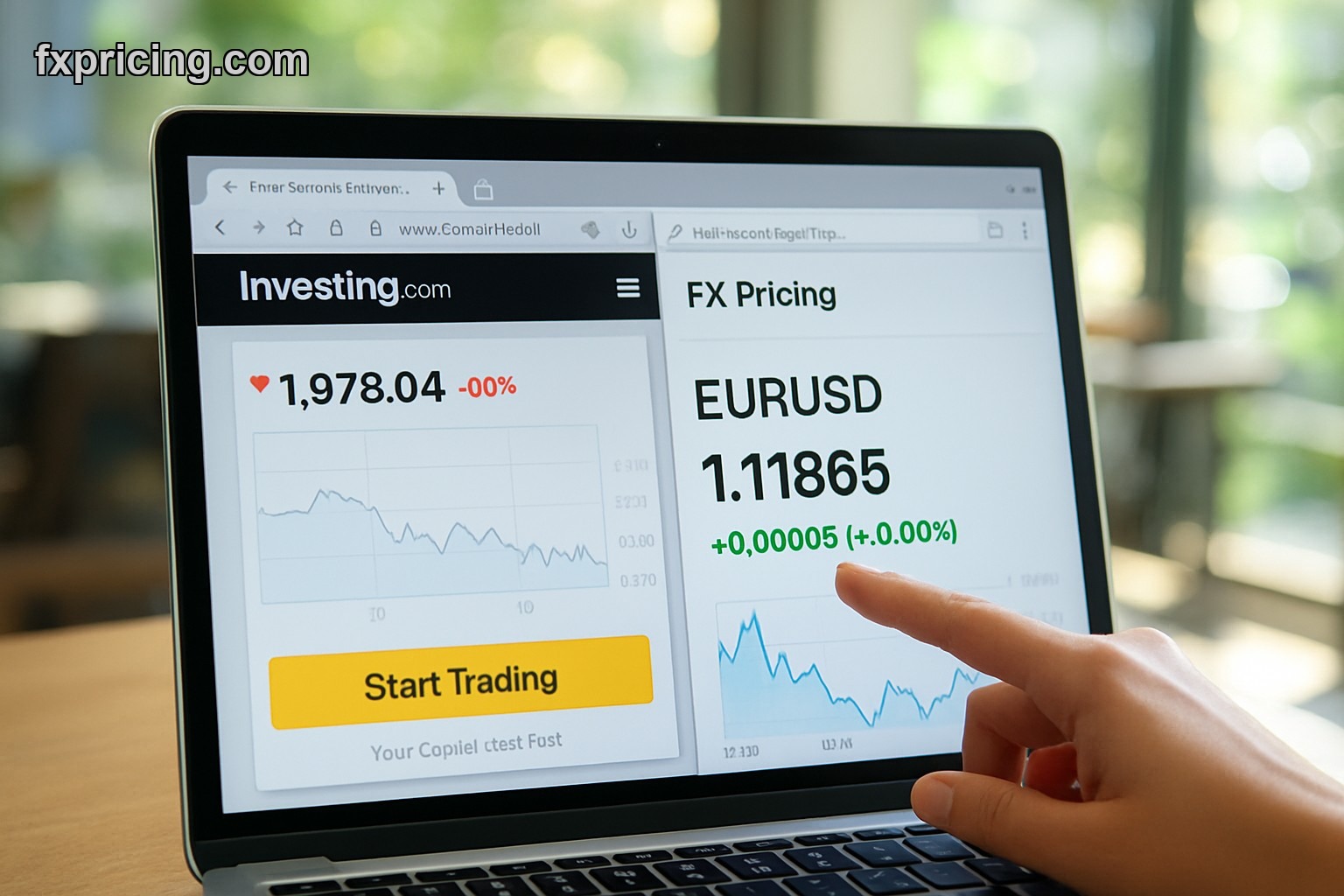
I caught a 40-pip move on EUR/USD yesterday because I had spreads open in three browser tabs. Not charts. Just the Market Currency Rates Widget showing bid/ask ticking live while I was supposed to be writing something else.
This thing covers 150+ currency pairs. Free. No login, no email capture popup, just paste the embed code and you're done. I use it when I want quick confirmation that price is actually moving and not just my imagination after staring at one chart too long.
What You're Actually Looking At
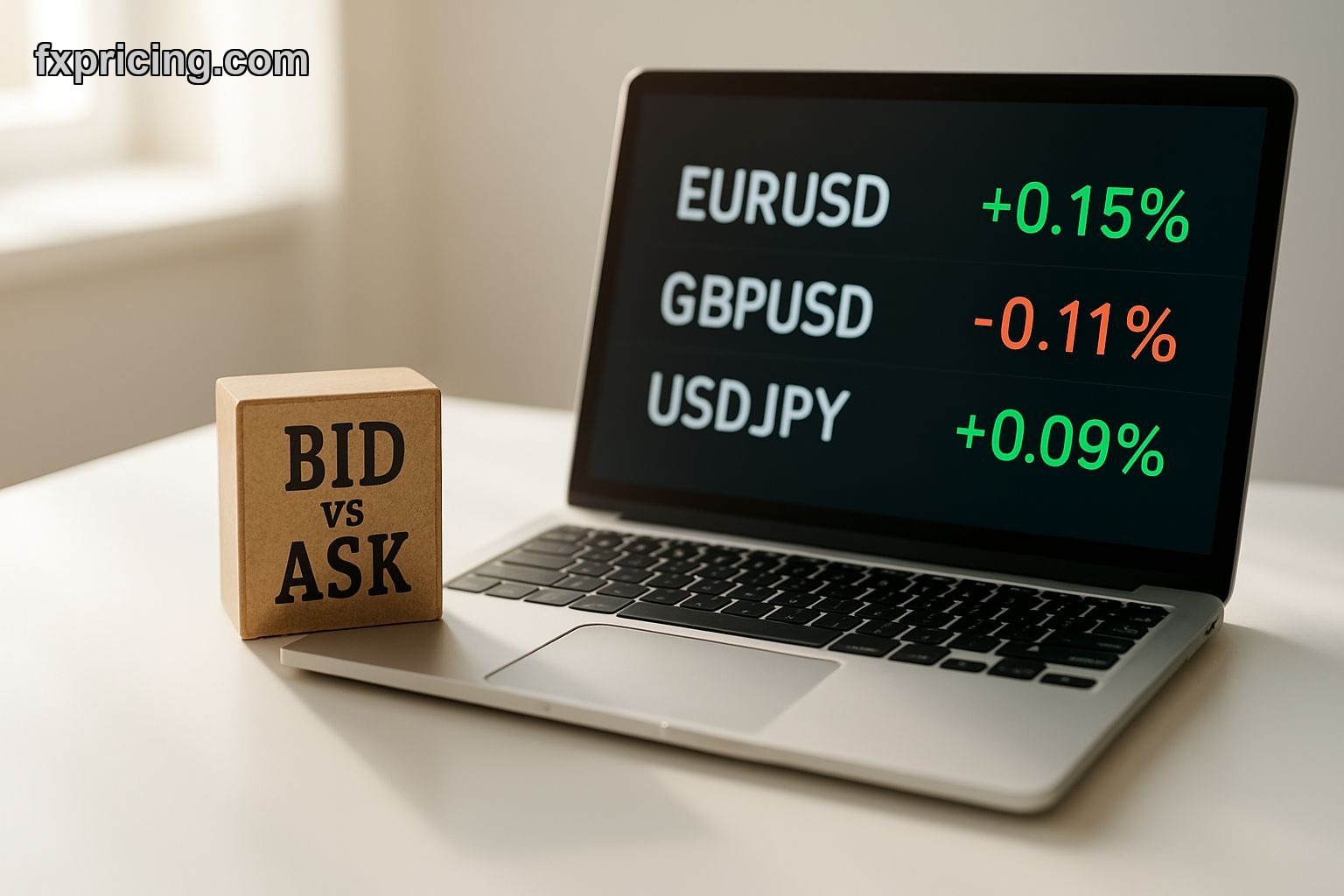
Bid and ask prices for every major, minor, and some exotic pairs you'd trade. Updates live — I don't know the refresh rate exactly but it's fast enough that I've never felt behind. Percentage change column tells you if something's having a real move or just bouncing around inside yesterday's range.
The widget sits on any webpage. I've embedded it on a WordPress blog, a plain HTML site I threw together in 20 minutes, and even a Notion page once just to see if it would work. It did.
No customization nightmare. You pick light or dark theme, choose which pairs show up, done. I keep mine set to the 12 pairs I actually trade so I'm not scrolling past Turkish lira every time I glance over.
Why Bid/Ask Matters More Than You Think
Spread widening is a signal. Not a perfect one, but when EUR/GBP suddenly jumps from 0.8 pips to 2.4 pips at 9am London time, something's happening. Maybe news, maybe liquidity drying up, maybe both. This widget shows that shift immediately.
I had it open during the last ECB decision. Spreads on EUR crosses went from tight to stupid-wide in about four seconds. That told me to wait, not chase. Saved me from entering right into a whipsaw that would've stopped me out before the actual directional move started.
The percentage change column is useful for scanning. If GBP/USD is up 0.8% and EUR/USD is only up 0.2%, that's dollar weakness plus extra sterling strength. You can see correlation breaks without opening six different charts.
How I Actually Use This Thing
Three monitors. Chart on the main screen, technical indicator widget on the left, this rates widget on the right. When I'm waiting for a setup to complete, I watch the rates widget more than the chart. If price is grinding sideways but spreads are tightening, liquidity's coming back. If spreads are widening, I close the position or don't enter at all.
I also embed it on a client site. They wanted live forex data without paying for a Bloomberg terminal or some enterprise feed. Took me ten minutes to add the widget, style it to match their theme, and that was it. No maintenance, no API keys to rotate, no invoice at month-end.
- Covers majors, minors, and exotics — pick what you need
- Bid/ask shown separately, not just mid-price
- Percentage change updates live
- Embeds anywhere without breaking your page layout
- Light and dark modes included
Divergence Checks I Run With This
When I see AUD/USD up 0.6% but AUD/JPY only up 0.1%, that's a tell. Either yen is strengthening across the board or Aussie strength is isolated to the dollar pair. I'll pull up the forex cross rates widget to confirm, but the rates widget gives me the first hint.
Same thing works in reverse. If USD/JPY is down but EUR/JPY and GBP/JPY are flat, the dollar's weak but yen isn't particularly strong. That usually means the USD move won't last or it's specific to one currency pair's dynamics, not a broad risk-off shift.
I don't trade off this alone. But it's a faster filter than flipping through charts. If the widget shows no divergence — everything's moving in sync — I pay more attention to overall market direction. If I see splits, I dig into individual pair setups.
The Embed Process Takes Two Minutes
Go to the widget page. Pick your pairs. Copy the code. Paste it into your site's HTML. That's the whole process. I've done it on sites running React, plain WordPress, even a Squarespace page where I thought it might not work. Worked fine every time.
No JavaScript conflicts. No CSS spilling over and ruining your page fonts. The widget stays in its container and doesn't mess with anything else. I've embedded three different widgets on the same page before — this one, a ticker tape, and a converter — and they didn't fight each other.
When Spreads and Price Action Disagree
That's when I pay attention. Price grinding higher but spreads getting wider usually means the move is forced, not natural. Someone's pushing it but there's no real follow-through. I've seen this right before reversals more times than I can count.
Opposite scenario: price chopping sideways, doing nothing, but spreads tightening down to normal levels. That's liquidity building up. When price finally picks a direction, the move tends to stick because there's actual depth behind it.
The widget doesn't tell you which direction price will break. But it tells you when conditions are set for a real move versus when you're just watching low-volume noise. On Fxpricing Blog we've talked about this before — trade quality over quantity. This widget helps you