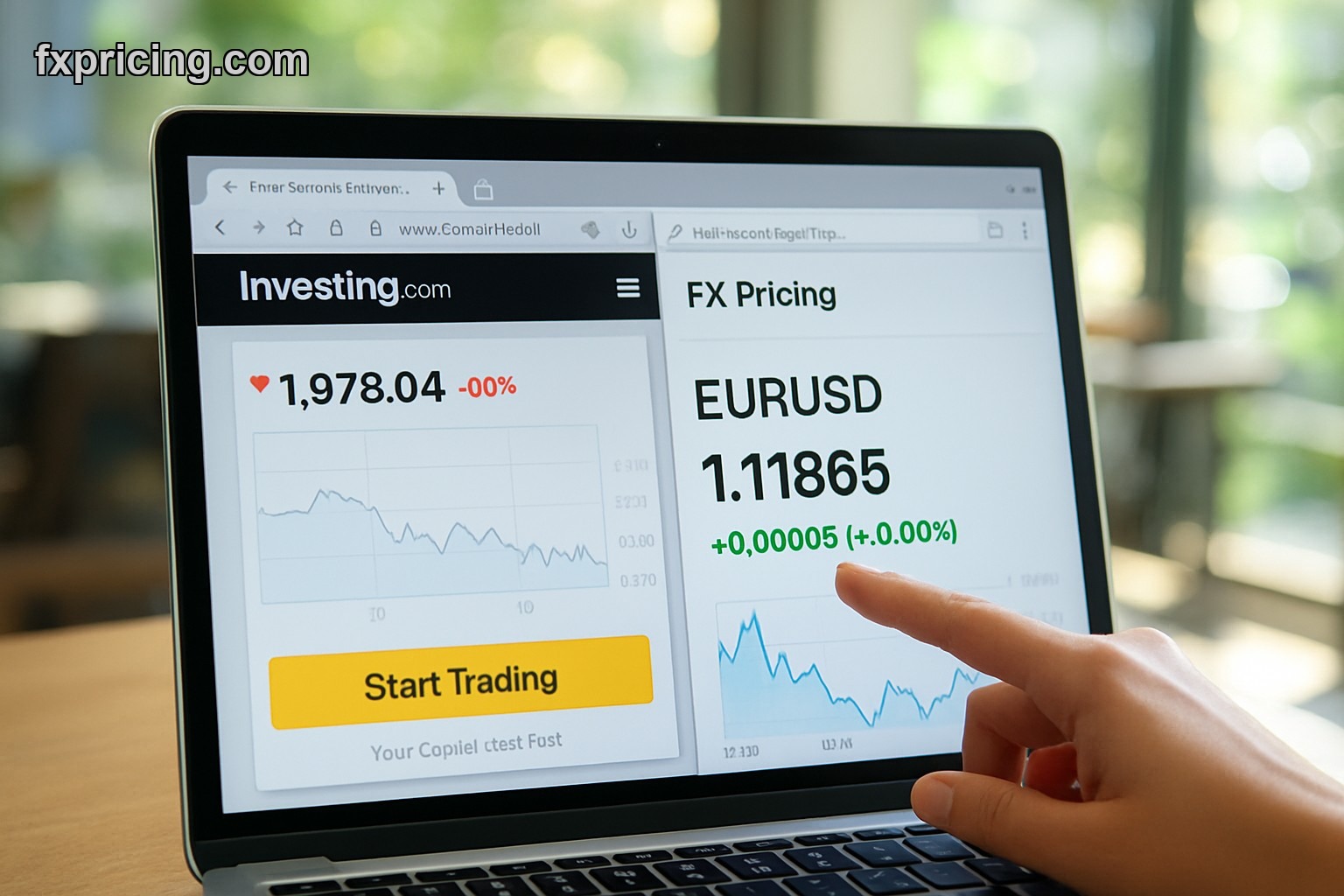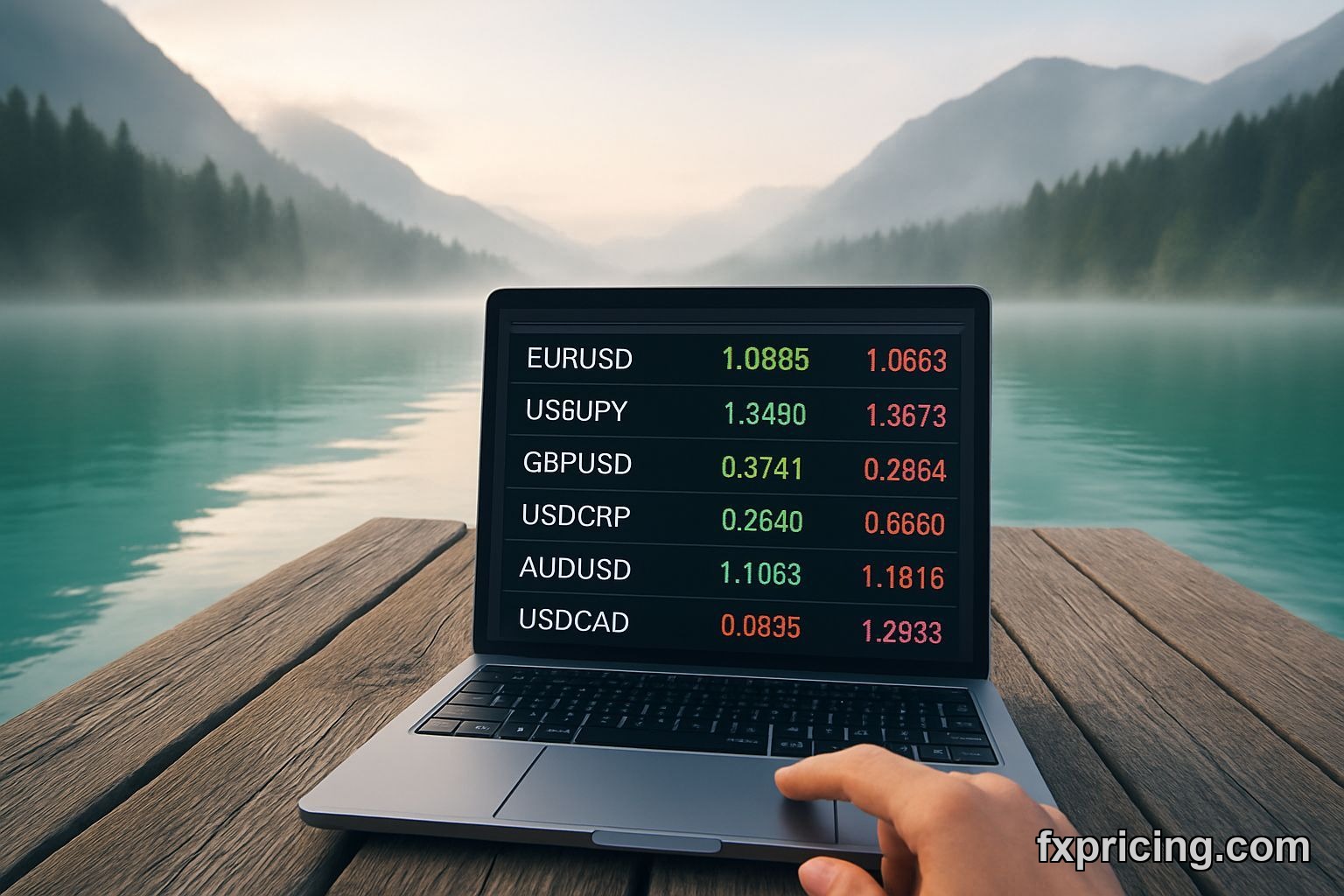
I wanted one widget that shows me EUR/USD, GBP/JPY, and AUD/CAD at the same time without opening three browser tabs. The Forex Cross Rates Widget does exactly that — up to 6 pairs in one clean table, updates live, zero cost.
No registration form. No credit card capture. You pick your pairs, grab the embed code, drop it on your site. Done in two minutes.
Why I Actually Use This Thing
Most widgets show one pair or force you into a ticker tape that scrolls forever. This one sits still. Six rows, clear bid/ask/spread, updates every few seconds. I keep it on my second monitor while I'm working other markets.
I trade AUD/NZD and sometimes EUR/GBP crosses. Having those next to the majors means I spot divergences faster. When EUR/USD jumps but GBP/USD doesn't move, that's a signal. The free forex cross rates widget makes that visible without mental math.
It also works on any site. I embedded it on a private trade journal I keep in WordPress. My buddy put it on a Squarespace blog. It loads fast, doesn't break mobile layouts, doesn't ask for API keys.
What You Get
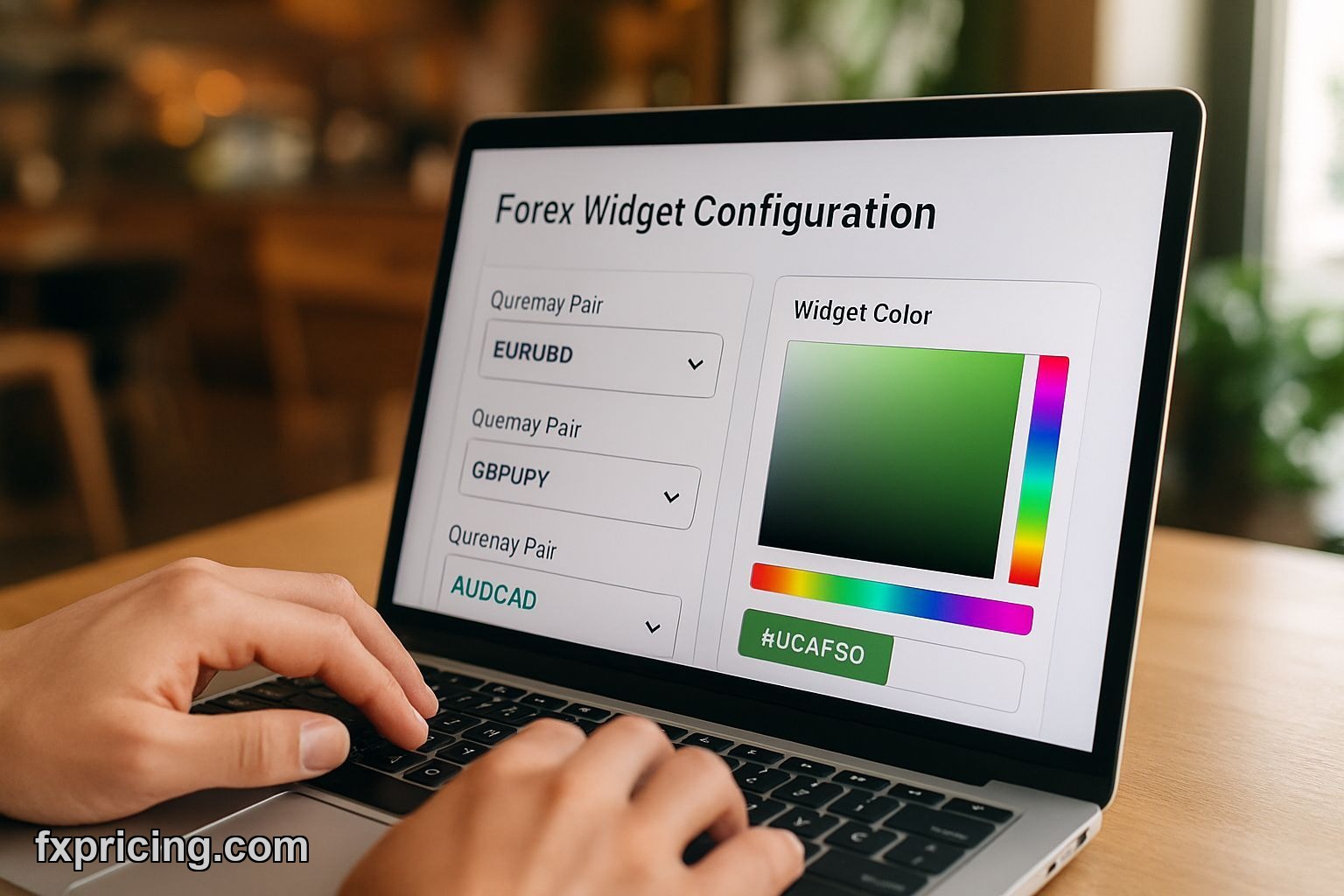
Pick up to 6 currency pairs from the major and minor crosses. The widget shows bid price, ask price, and spread in real-time. You can customize colors to match your site theme — background, text, border, all adjustable.
The refresh rate is automatic. No manual reload button. Quotes update as the market moves. During London open, I see changes every 3-5 seconds on active pairs like EUR/GBP.
| Feature | What It Does |
|---|---|
| Pair Selection | Choose up to 6 from majors and crosses |
| Data Display | Bid, ask, spread in one row per pair |
| Refresh | Auto-updates, no manual reload needed |
| Customization | Colors, fonts, border styles adjustable |
| Embed | Copy/paste HTML snippet, works anywhere |
| Cost | Free, no signup or hidden fees |
The layout is responsive. On desktop it's a full table. On phone it stacks into a vertical list. I checked it on iPhone and Android — both render fine, no horizontal scroll nonsense.
How I Set Mine Up
I wanted EUR/USD, USD/JPY, GBP/USD, AUD/USD, USD/CAD, NZD/USD. All dollar pairs because I'm watching dollar strength. Setup took maybe 90 seconds — select the pairs from dropdowns, adjust text color to white because my site background is dark, copy the code.
Pasted it into an HTML block on my site. Refreshed the page. Widget loaded immediately, quotes started populating. No broken images, no "loading forever" spinner. Just worked.
I changed my pair selection twice since then. Each time I go back to the config page, adjust the list, copy new code, replace the old snippet. Takes 30 seconds. No account login, no saved settings I have to hunt for.
Where It Falls Short
Six pairs max. If you want to track 10 or 15 crosses, you'll need multiple widgets or a different tool. I tried embedding two widgets on one page — worked fine but looked cluttered. The free forex ticker widget handles more pairs if you're okay with scrolling format.
No historical data. This widget shows live quotes only. You won't get a chart or past bid/ask levels. If you need that, the free last candle widget includes a mini chart with the last bar.
Limited technical indicators. It's just price. No RSI overlay, no moving averages on the widget itself. You'd pair it with another tool if you want analysis built in. The free technical indicator widget covers that gap — shows buy/sell ratings based on multiple indicators.
Who Should Embed This
Forex bloggers who write about multiple pairs. Instead of typing "EUR/USD is at 1.0850" and having it go stale in an hour, embed the widget. Readers see current price when they land on your post.
Traders with a simple trade journal or log site. I know three people who keep a private WordPress install where they document trades. This widget sits in the sidebar, always showing their watched pairs.
Anyone running a finance site who wants live data without paying for a Bloomberg terminal or premium plugin. Most "free" widgets stop being free after 30 days or limit you to one pair. This one doesn't pull that.
Installation Is Stupid Simple
Go to the widget page. Pick your pairs from the dropdown. Adjust colors if you care — I usually leave defaults. Copy the embed code. Open your site's HTML editor or page builder. Paste the snippet where you want the widget to appear. Publish. That's the whole process.
Works on WordPress, Wix, Webflow, Squarespace, plain HTML sites, whatever. As long as you can add an HTML block, you can embed this. I've never had it conflict with site scripts or break a layout.
My Take After Six Months
I've used this widget daily since September 2025. It's still free, still updates reliably. I compared its quotes to my broker's platform a few times — spreads match, prices are accurate within a pip or two depending on your broker's feed.
It won't replace a professional trading terminal but it's perfect for monitoring a handful of pairs without clutter. If you write about forex or just want live rates on your site, this is the cleanest free option I've found. I'd embed it again on any new project. No reason not to — takes two minutes and costs nothing.