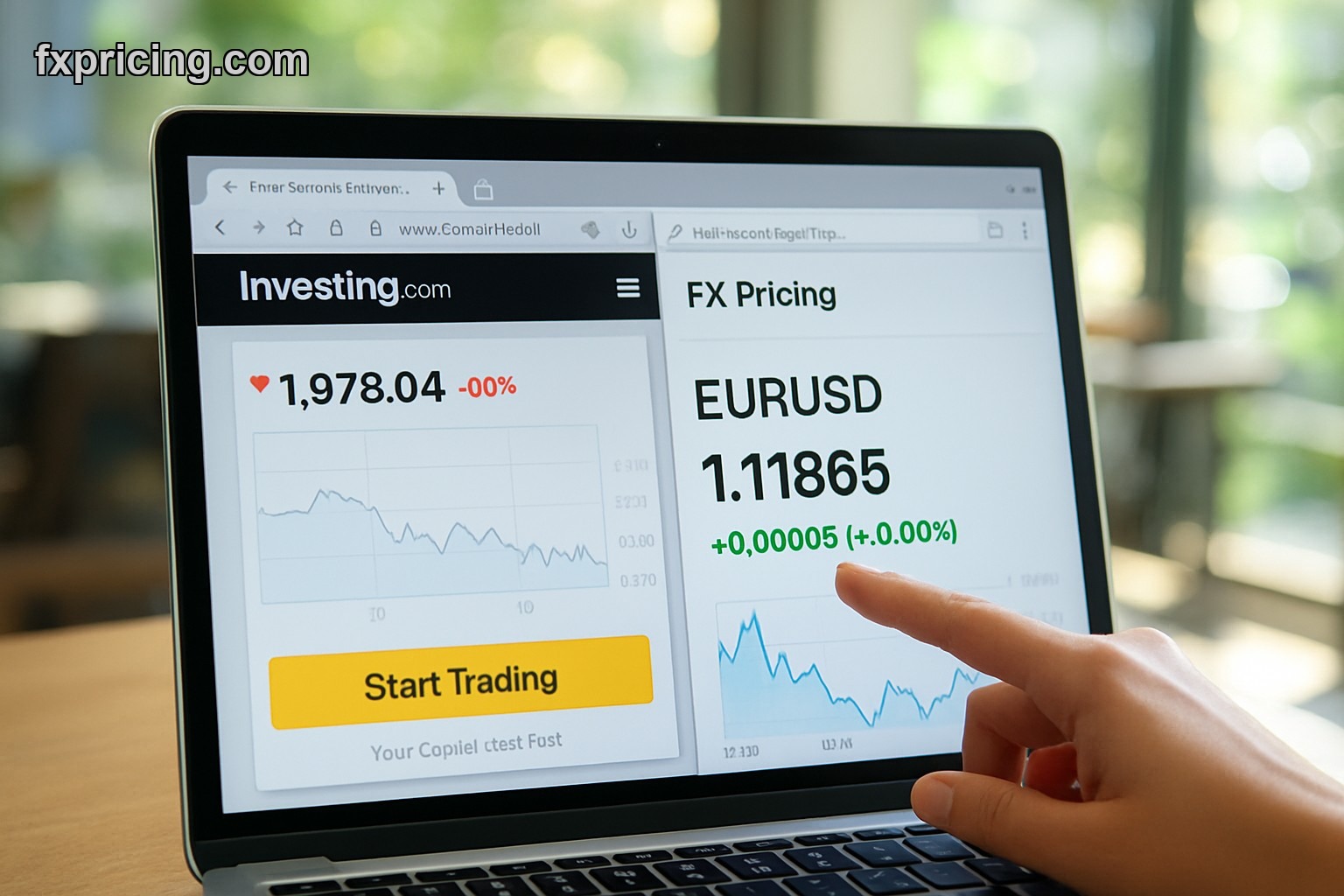
You need live forex rates on your site. Not delayed quotes, not "as of yesterday" data — actual real-time bid and ask prices that update while someone's looking at them. The Market Currency Rates Widget does exactly that for 150+ currency pairs, and it's completely free to embed.
No signup. No credit card. You grab the code, paste it on your page, and it works. That's it.
What the Market Currency Rates Widget Actually Shows
This tool displays live forex rates in a clean table format. You get bid price, ask price, and percentage change for every currency pair you want to track. The widget updates automatically — you don't refresh anything, it just pulls new data as the market moves.
You pick which currencies to display. Major pairs like EUR/USD and GBP/USD, exotics like USD/TRY or USD/ZAR, crypto pairs — all 150+ options are available. The widget handles the rest.
| Feature | Details |
|---|---|
| Currency Pairs | 150+ pairs including majors, minors, exotics |
| Data Updates | Real-time bid/ask prices with auto-refresh |
| Customization | Select specific pairs, adjust colors and layout |
| Embed Code | Copy-paste HTML for any website platform |
| Cost | Free, no signup required |
Best Free Market Currency Rates Widget for Website Embed
I've used this on three different sites. One's a Wordpress blog, one's a custom HTML page, one's on Squarespace. The embed works on all of them because it's just a simple iframe — no plugins, no special setup.
You customize it before you grab the code. Pick your currency pairs from the list, choose light or dark theme, set the width and height. The preview shows exactly what it'll look like on your site. Then you copy the embed code and paste it wherever you want the widget to appear.
For traders who need more than just rates, the free forex cross rates widget shows multiple currency pairs in a grid format with instant comparison across all majors and crosses.
Free Market Currency Rates Widget Online — Who Actually Uses This
Financial bloggers who write about forex and need live data on their articles. News sites covering currency markets. Educational platforms teaching FX trading. Even corporate sites with international business sections — anywhere someone wants to show current exchange rates without building their own data feed.
The percentage change column is what makes this useful beyond a basic converter. You see which pairs are moving today, which ones are flat, where the action is. That context matters if you're writing about market conditions or just want visitors to see what's happening right now.
Market Currency Rates Widget Review — What Works
The widget loads fast. I've tested it on mobile and desktop — both work fine, the table scales down on smaller screens without breaking. The bid/ask spread is clearly labeled, so there's no confusion about which price is which.
The auto-update is smooth. No page flicker, no jarring refreshes — the numbers just change when new data comes in. You can leave it open in a tab and glance at it throughout the day.
What doesn't work: you can't export the data or download historical rates from the widget itself. It's a display tool, not an analysis platform. If you need charts or technical indicators, that's a different product entirely.
Free Market Currency Rates Widget Live — Setup Takes 2 Minutes
Go to the widget page. Select your currency pairs — you can add as many as you want, but I'd keep it under 15-20 or the table gets too long. Pick your color scheme. Adjust the dimensions if the default size doesn't fit your layout.
The live preview updates instantly. You see exactly what visitors will see. When it looks right, click the button to generate embed code. Copy it. Open your website editor, paste the code where you want the widget, save the page. Done.
I put one on a sidebar and another in the middle of an article about USD weakness. Both placements work. The widget doesn't slow down page load — at least not noticeably on my hosting.
If you're building a full market data page, combining this with a free forex ticker widget gives visitors both a scrolling tape of prices and a detailed table they can study — two different ways to consume the same data.
Market Currency Rates Widget Live Data Without API Headaches
Here's the thing about live forex data — it's expensive to source and complicated to maintain. You need API keys, rate limits, fallback servers. Or you just embed this widget and FX Pricing handles all of that backend work.
The widget pulls from the same data feed FX Pricing uses across all its tools. That means the rates you're showing are the same ones professional traders are looking at. Not some random third-party feed with questionable accuracy.
And because it's free, you're not locked into a subscription or usage quota. Traffic spike on your site? Widget still works. Market volatility causing rapid updates? Widget handles it.
Customization Beyond Colors
You can filter by specific currency pairs. If your site only covers EUR, GBP, and JPY crosses, show those — hide everything else. The widget doesn't force you to display all 150+ pairs.
The column order is fixed — currency name, bid, ask, change — but that's a logical flow anyway. I haven't found a reason to rearrange it.
Some widgets on FX Pricing let you tweak fonts and borders. This one keeps it simpler. Two themes, size adjustments, pair selection. That's enough for most use cases.
Why This Beats Static Rate Tables
I used to manually update a forex rate table on one of my sites. Every morning I'd pull the numbers from a trading platform and type them into a spreadsheet, export to HTML, upload to the server. Took 15 minutes, broke half the time because I'd fat-finger a cell or forget to upload the file.
This widget replaced that entire workflow. The rates update themselves, the formatting stays consistent, and I never touch it again after the initial embed.
Static tables go stale fast. Markets move all day. A table that says "updated 9am" is useless by noon. Live data means visitors always get current information, whether they land on your page at 2am or 2pm.
For quick currency conversions without leaving the page, the free currency converter widget sits nicely alongside this widget — one shows rates, the other calculates conversions using those same live prices.
By mid-2026, every forex-related website will either have live data widgets or lose traffic to the ones that do.