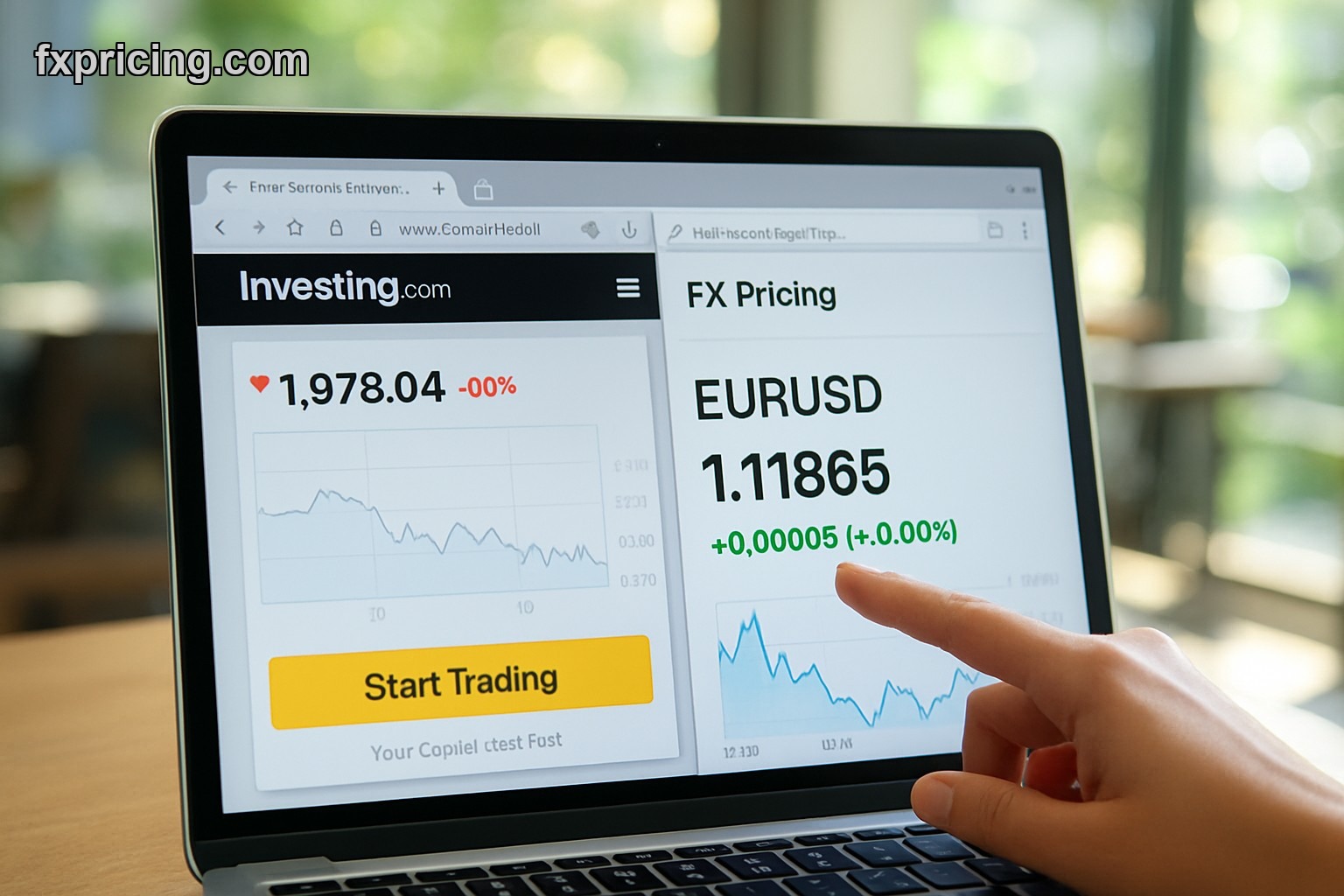
Most forex widgets force you to pick one pair at a time. You want EUR/USD? Great. Now GBP/JPY? Switch widgets. Want AUD/CAD too? Open another browser tab. It's 2026 and we're still clicking around like idiots.
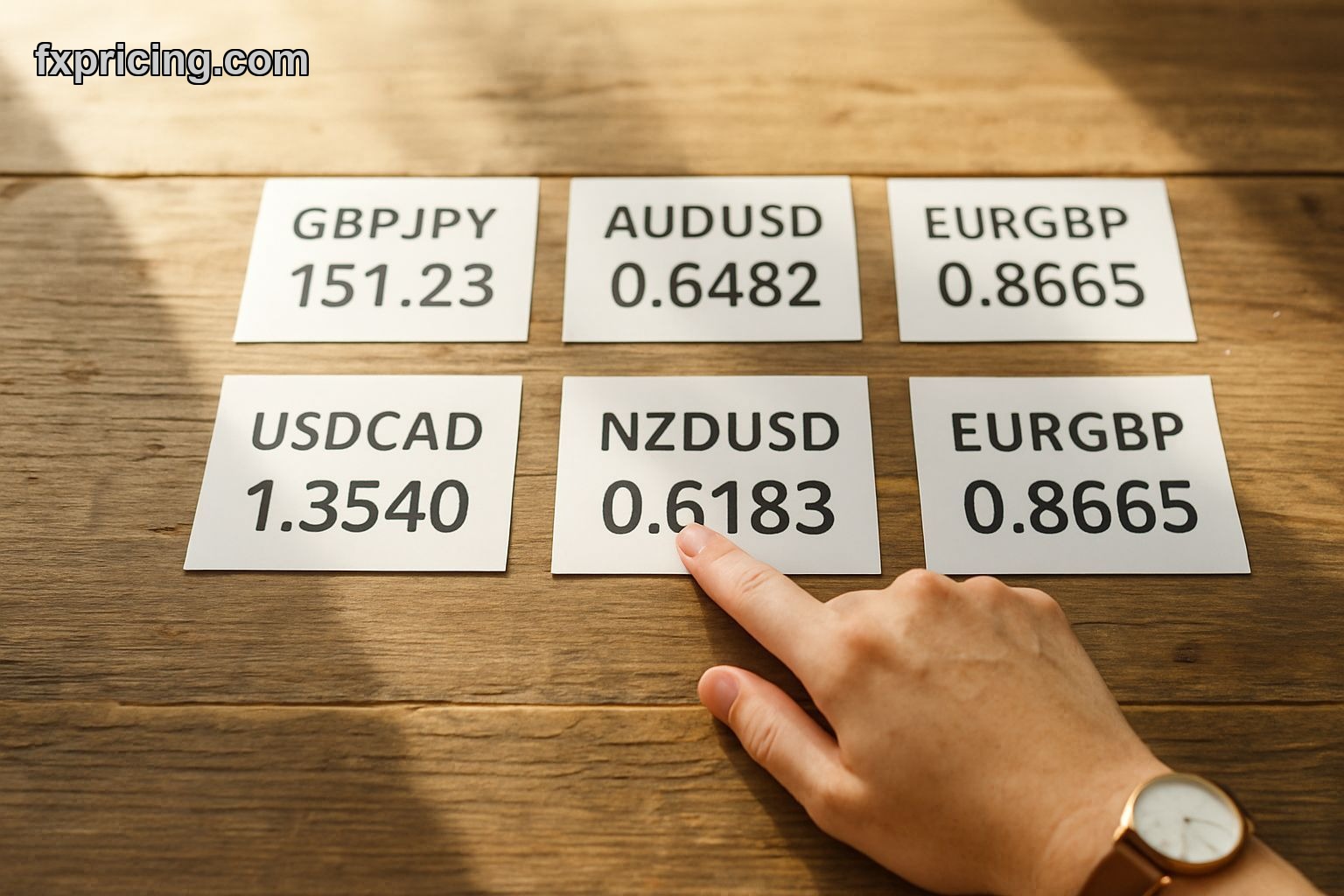
The Forex Cross Rates Widget shows up to 6 currency pairs in a single view. That's the whole point. You're not flipping between charts or refreshing five different pages. Everything's right there — live quotes, percentage moves, bid-ask spread if you want it.
Why Six Pairs Matter More Than You Think
I trade correlations. When USD/JPY moves, I'm watching EUR/JPY and GBP/JPY at the same time. Not two minutes later after I've tabbed over — right now. If you're catching breakouts across related pairs, those 30 seconds you waste switching views cost you the entry.
This tool handles majors, minors, exotics. You pick which six you care about. I keep EUR/USD, GBP/USD, USD/JPY, AUD/USD, EUR/GBP, and NZD/USD loaded because those are my bread-and-butter pairs. My buddy who trades emerging markets runs USD/TRY, USD/ZAR, EUR/TRY, GBP/TRY, USD/MXN, USD/BRL. Same widget, completely different setup.
Real-time data feeds in without you touching anything. No refresh button. No reload page nonsense. Quotes update automatically as the market moves.
Embedding This Thing Takes Two Minutes
I tested embedding on a WordPress blog, a basic HTML landing page, and a Squarespace site. Worked on all three. You grab the embed code, paste it wherever you want the widget, done. No API keys. No developer mode. No "contact sales for enterprise access."
The widget's responsive, so it doesn't break on mobile. I pulled it up on my phone to check a position while I was out — same six pairs, readable, functional. Not some cramped disaster where you're zooming in and out trying to see the numbers.
You can resize it. If you've got sidebar space, shrink it down. If you're building a full market data dashboard, blow it up to fill half the screen. The layout adjusts.
Features That Actually Get Used
Customization options that matter:
- Pick your six pairs from a massive list of currencies
- Show or hide the bid-ask spread depending on how you trade
- Toggle between percentage change and pip movement
- Adjust colors to match your site theme if you're embedding it
- Switch timeframes to see daily, weekly, or intraday moves
I keep the percentage view on because I think in terms of % gains. Some scalpers I know prefer pip display because they're targeting 10-15 pips per trade. Both work fine.
The bid-ask spread visibility is useful if you're comparing broker pricing or trading during volatile sessions when spreads widen. I leave it on — takes up minimal space and I've caught a few times when spreads blew out during news releases.
Who Uses Multi-Pair Widgets
Swing traders watching correlated pairs. Day traders who run multiple strategies across different currencies. Anyone building a forex blog or education site who wants visitors to see live data without sending them to another platform.
I embedded it on a simple portfolio tracker page I built. No fancy CMS, just basic HTML. Took the code, dropped it in, and now I've got live forex rates next to my currency converter widget and some static charts. Visitors get a real-time view of what I'm watching without me manually updating anything.
If you're running a trading community or Discord server with a website component, this makes more sense than posting screenshots of your broker platform. People can see the same pairs you're trading, live, without needing your login credentials or platform access.
No Signup Wall or Upgrade Pitch
It's free. No trial period that expires. No "unlock premium features" upsell after you've embedded it. You use it, that's it.
I've used paid forex data widgets before. They're fine if you need tick-by-tick historical data or want to build custom indicators on top of the feed. For just watching six pairs simultaneously with current quotes? Paying $30-$50/month is stupid. This does the same thing at zero cost.
You don't create an account. You don't hand over an email. You don't get drip-marketed later. Grab the widget, embed it, move on with your life.
What It Doesn't Do
Not a charting tool. If you want candlesticks and trendlines, check out the last candle widget instead. This is a rates display — numbers, not graphs.
Won't send you alerts. No push notifications when EUR/USD breaks 1.1000 or whatever level you care about. It's a live view widget, not a monitoring system with bells and whistles.
Doesn't execute trades. Obviously. You're looking at prices from here, then you go trade on your broker platform. This isn't connected to any brokerage API for order placement.
My Setup After Three Months
I keep it open in a browser tab pinned to the left. My six majors updating in real time while I'm doing other work. When I'm actively trading, I've got my broker charts on one monitor and this widget on the other for a quick cross-reference.
It's replaced three separate single-pair widgets I used to run. Less clutter, same information, faster to scan. I don't have to scroll or click through anything — six pairs at a glance.
The customization settings stuck after I adjusted them once. Didn't have to reconfigure every time I refreshed the page or reopened the browser. That's basic functionality but plenty of free tools screw that up.
Best free forex cross rates widget for 2026 if you need multi-pair visibility without switching tabs constantly. Works on any website, no signup required, and by 2027 every serious forex site will have one of these embedded because traders are tired of clicking around for basic rate checks.