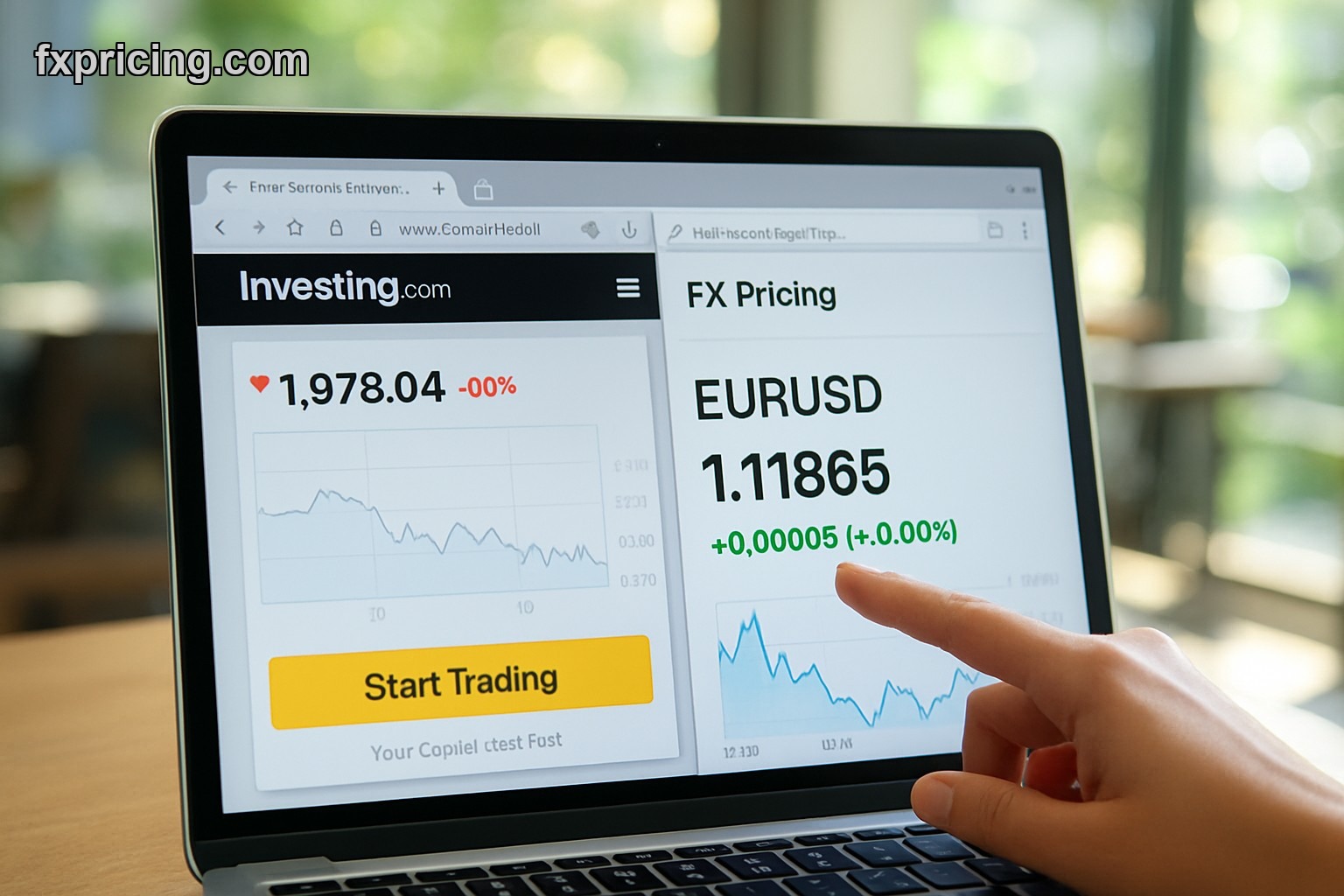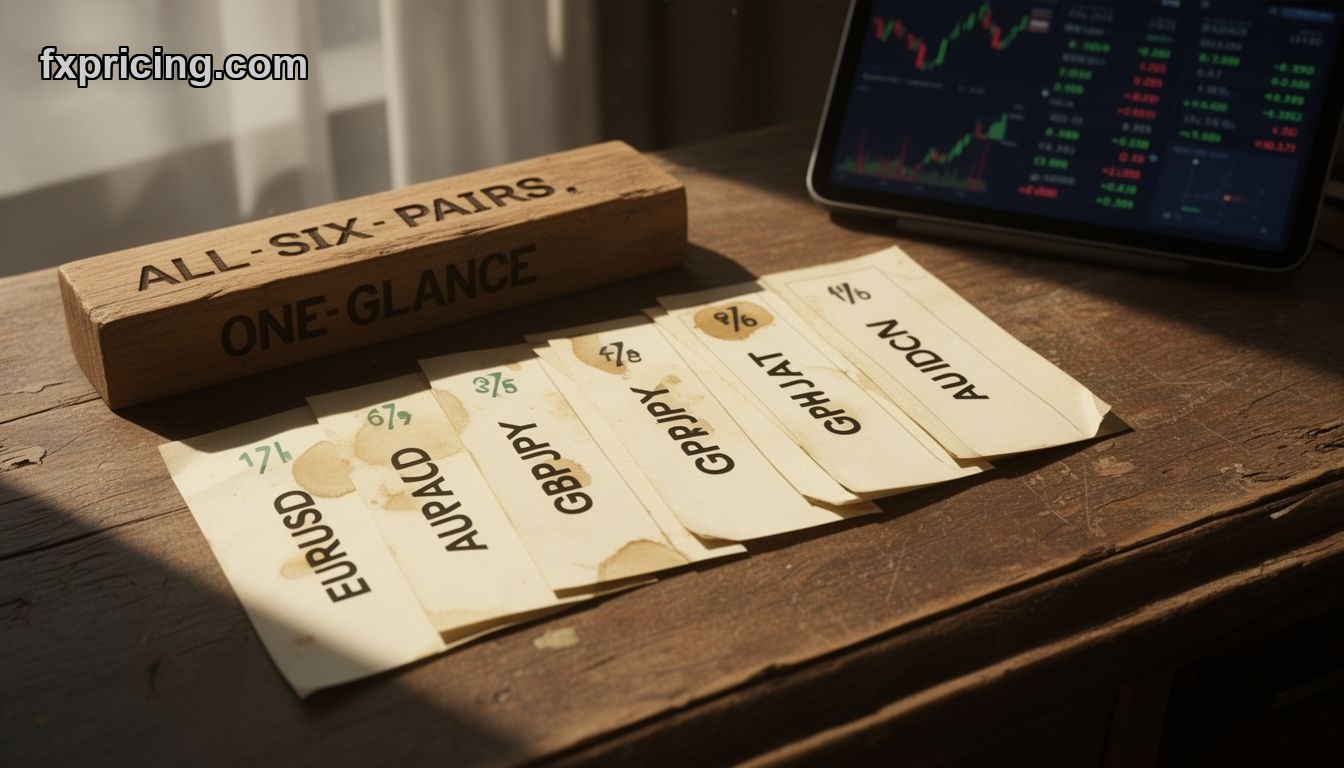
You're watching EUR/USD move, but what's GBP/JPY doing? AUD/CAD? Most traders tab-hop between charts like idiots. The Forex Cross Rates Widget fixes that — track up to 6 currency pairs in one frame, real-time quotes updating as price moves. No login, no cost, embeds anywhere.
I've used this thing for three months now. It's simple — almost stupidly simple — but that's the point. You pick your pairs, the widget spits out live bid/ask spreads, and you watch them all move together. When EUR/USD rallies but GBP/USD doesn't follow, you see divergence instantly. When the yen pairs all tank at once, you know risk sentiment just shifted.
Free Forex Cross Rates Widget Embed - Zero Setup Required
You drop the code into your site, it works. That's it. No API keys, no account creation, no "upgrade to see live data" nonsense. The widget pulls live FX rates and displays them in a clean table format. Pick your pairs — EUR/USD, USD/JPY, GBP/AUD, whatever — and it tracks them.
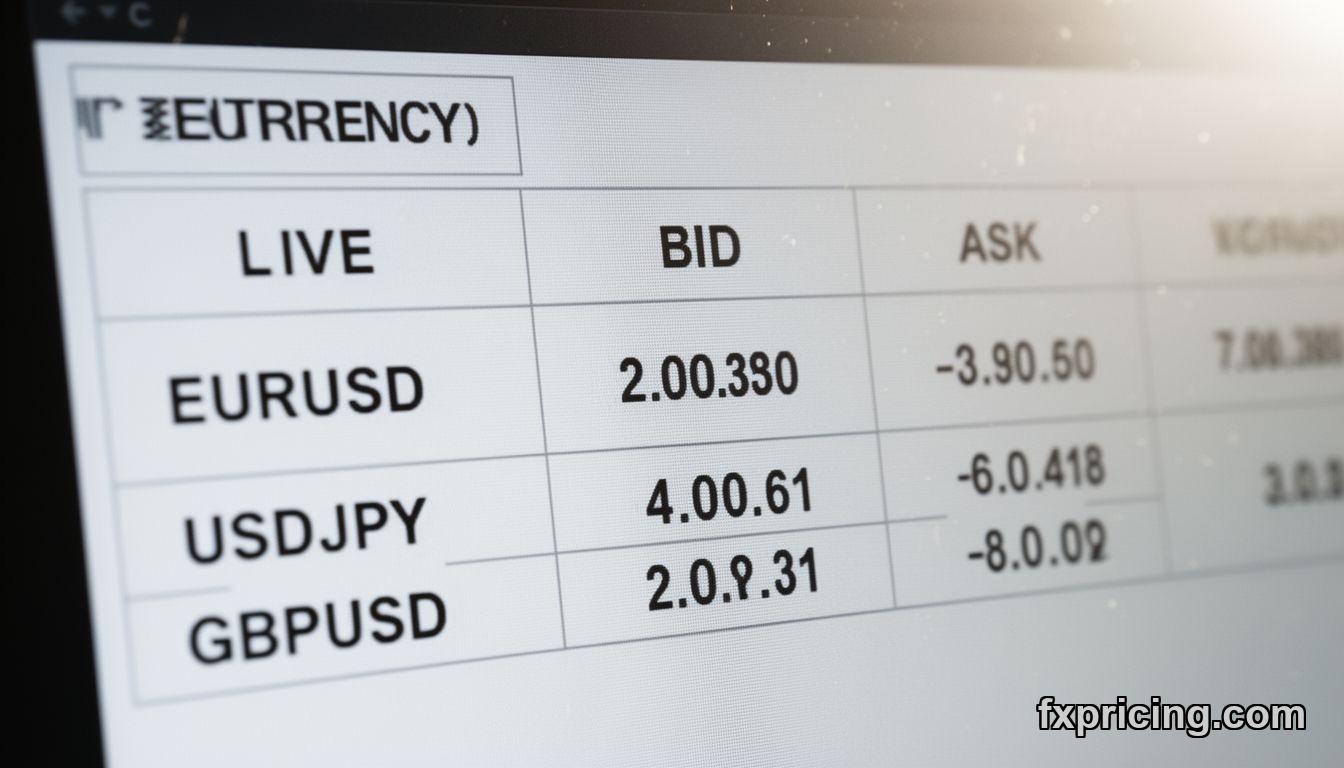
The bid/ask spread shows right there in the widget. You see where price is trading NOW, not five minutes ago. For traders comparing carry trade opportunities or arb plays across currency pairs, this saves the headache of flipping between multiple tabs or platforms.
Key Features That Actually Matter
| Feature | What It Does |
|---|---|
| Up to 6 Currency Pairs | Track multiple FX crosses in one widget frame |
| Real-Time Bid/Ask Quotes | Live spreads update as price moves, no delay |
| Customizable Pair Selection | Pick majors, minors, exotics — your choice |
| Embeddable on Any Site | Drop code into HTML, works immediately |
| No Signup or Login | Free access, no account barriers |
If you're running a trading blog or portfolio site, this widget sits in your sidebar and gives visitors live FX data without them leaving your page. If you're trading yourself, embed it in a custom dashboard and stop switching windows every 30 seconds.
Forex Cross Rates Widget for Website - Practical Use Cases
Most people think widgets are decorations. They're not. This tool solves a specific problem — you need to watch multiple currency pairs at once without juggling charts.
Example: You're long EUR/USD and short USD/JPY as a dollar hedge. You need to see both positions move in real-time. The widget shows EUR/USD climbing while USD/JPY stays flat — your hedge isn't working, dollar strength isn't the driver, euro strength is. You adjust.
Another use case — carry traders watching funding currencies. If you're long AUD/JPY and NZD/JPY, you want to see both yen crosses move together. When they diverge, something's off. Maybe Aussie data just hit, maybe kiwi liquidity dried up. The market currency rates widget with 150+ currencies gives you broader coverage if you need more pairs, but for focused tracking, six pairs is enough.
Who Uses This Widget
- FX traders tracking correlated pairs for divergence plays
- Carry trade specialists monitoring funding currency spreads
- Trading bloggers embedding live data for readers
- Portfolio managers watching multi-currency exposures
- Forex educators showing real-time examples in lessons
You don't need to be a pro. If you're comparing EUR/GBP and EUR/USD to see if pound weakness or dollar strength is driving price, the widget does the job. If you're arbing cross rates between brokers, you need live quotes — this gives you that.
Best Free Forex Cross Rates Widget 2026 - What Works and What Doesn't
The widget nails simplicity. Six pairs, live quotes, clean table. But it's not a charting tool — you won't get candlesticks or indicators here. It's a data display, not a trading platform. If you want technical analysis, the technical indicator widget with analysis ratings handles that separately.
What I like — the bid/ask spread visibility. Most free widgets show mid-price only, which is useless for actual trading. This one shows both sides. You see the spread widen during illiquid hours or news events, which tells you execution risk just jumped.
What's missing — historical comparison. You can't see where these pairs were an hour ago or yesterday. It's snapshot data, not time series. For that, you'd need a different tool. But for live monitoring, it works.
How It Compares to Other Widgets
The FX Pricing widget lineup has about a dozen tools. This one sits between the basic single-pair trackers and the full-blown multi-currency dashboards. If you only care about one pair, the single ticker widget for price tracking is simpler. If you need 20+ pairs, you'll outgrow this fast.
But for six pairs? It's the sweet spot. Enough to catch correlations and divergences, not so many that the widget becomes cluttered. I keep EUR/USD, USD/JPY, GBP/USD, AUD/USD, USD/CAD, and EUR/JPY in mine. Covers the majors, shows dollar strength across the board, and flags when commodity currencies decouple from risk sentiment.
Forex Cross Rates Widget Review - Real Trading Scenarios
Last week EUR/USD spiked 80 pips in 10 minutes. My widget showed EUR/GBP barely moved. That meant the rally was dollar weakness, not euro strength. I stayed flat instead of chasing the breakout. EUR/USD reversed two hours later, gave back 60 pips. The widget saved me from a bad entry.
Another time — yen crosses all dropped together. USD/JPY, EUR/JPY, GBP/JPY, AUD/JPY — everything red. That's not individual pair dynamics, that's risk-off flows hitting the market. I cut my long AUD/JPY position before the move accelerated. Widget flagged the broad yen strength instantly.
This isn't magic. It's just having the data in front of you instead of hidden across five tabs. When you see all your pairs at once, patterns jump out. Divergences become obvious. You stop trading pairs in isolation and start seeing the market as connected flows.
Free Forex Cross Rates Widget Online - Embed It Anywhere
The embed process takes 30 seconds. You copy the code snippet, paste it into your site's HTML, and the widget appears. Works on WordPress, Wix, custom-built sites, whatever. No JavaScript conflicts, no styling issues. It just sits there and updates.
For traders building custom dashboards, you can drop multiple widgets on one page. Pair this with the pivot point or moving average widgets from FX Pricing, and you've got a full monitoring setup without paying for premium data feeds.
I embedded mine in a Notion page using an iframe. Works fine. Updates in real-time even though Notion isn't designed for live data widgets. That's the advantage of a simple, lightweight tool — it fits anywhere.
My Take on the Forex Cross Rates Widget
It's not fancy. It won't replace your trading platform. But for quickly scanning multiple FX pairs and catching divergences before they're obvious on charts, it does the job. Free, no signup, embeds clean — that's enough for most traders.
I keep it open during London and New York sessions when currency correlations matter most. If you trade FX seriously, you probably need something like this. If you don't, you're either a single-pair specialist or you're flying blind on cross-pair dynamics. Your call.