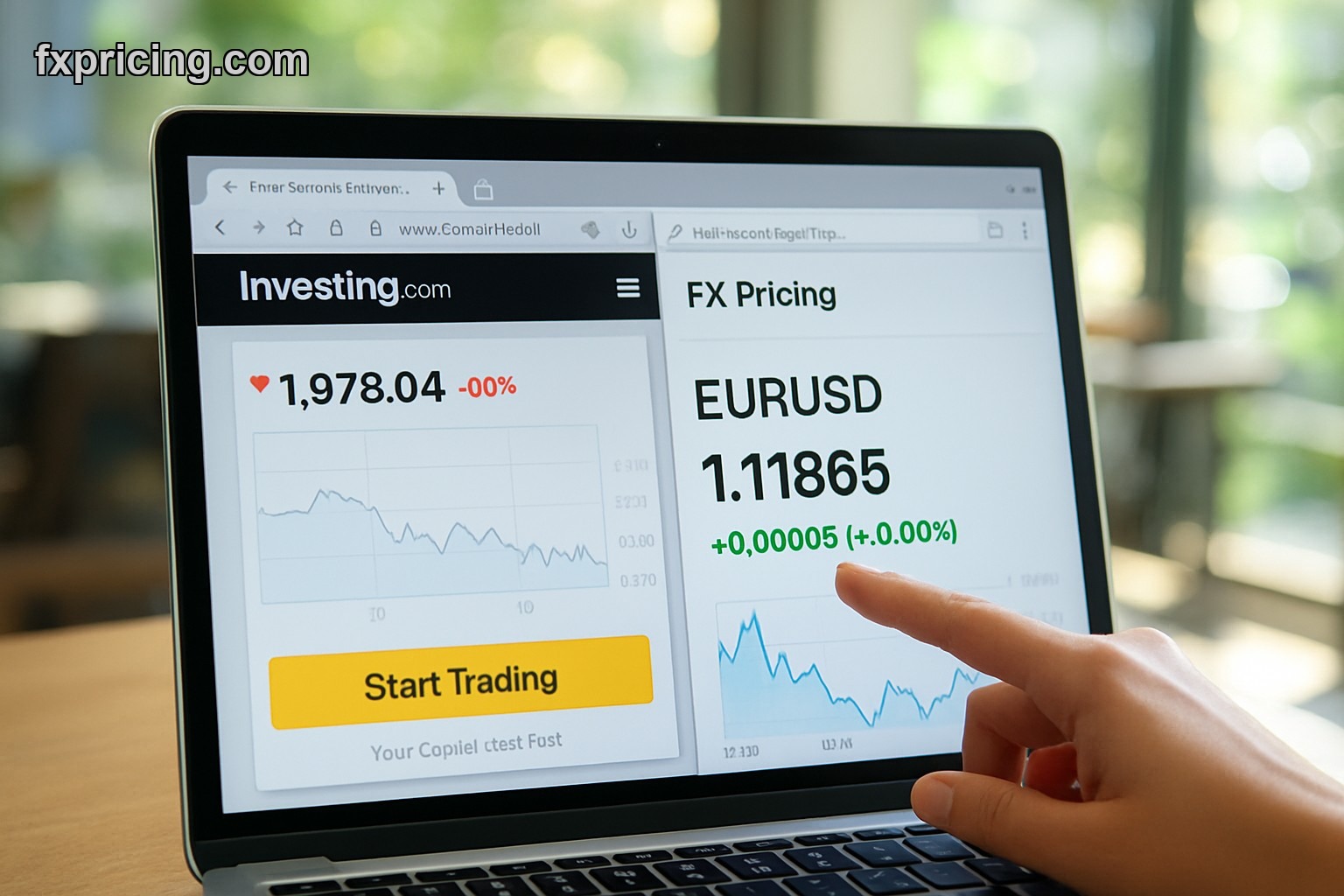
You check exchange rates five times a day. You open three different tabs, copy numbers into a calculator, then reverse the math to double-check. Meanwhile there's a free currency converter widget that sits right on your screen — no tabs, no calculator, just type and convert.
Why Most Traders Miss the Obvious Tool
The Currency Converter Widget runs on real-time data feeds. No refresh button. No manual updates. The rate you see is the rate in the market right now.
Free Currency Converter Widget Online Without Signup
No registration. No email. You paste one line of code and it's live on your site. Works on WordPress, Wix, Squarespace, plain HTML — anything that accepts embed code.
The widget pulls from live forex data streams. When EUR/USD moves, your widget moves. When GBP/JPY drops 40 pips, the conversion updates automatically. You're not looking at stale numbers from an hour ago.
What the Widget Actually Does
| Feature | Description |
|---|---|
| Real-time rates | Live exchange rate updates as the market moves |
| 150+ currencies | Major pairs, exotics, crypto conversions |
| Instant calculation | Type amount, get result — no delays |
| Embed code | One-click copy/paste into any website |
| Mobile responsive | Auto-adjusts to screen size |
| Customizable colors | Match your site theme |
You can switch base currency with one click. USD to EUR, then flip to GBP to CAD, then try THB to AUD. The widget recalculates instantly.
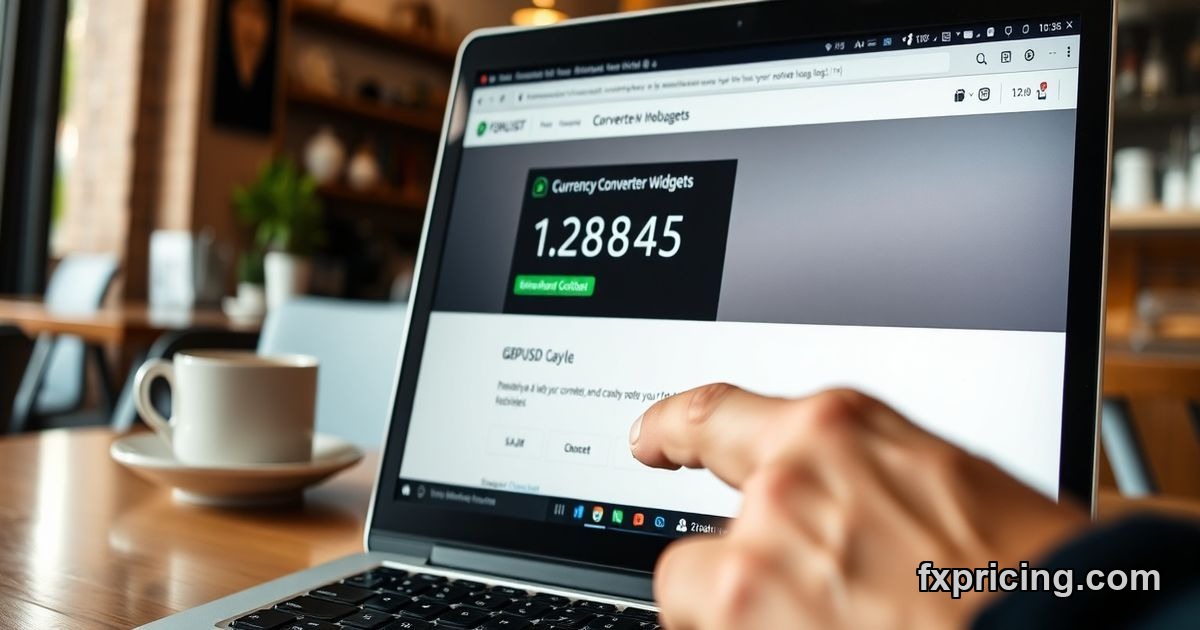
Currency Converter Widget for Website Embed
Here's the part most people screw up — they think embedding means complicated API keys or backend setup. It doesn't. You get a snippet of code. You paste it into your site's HTML editor. The widget appears.
If you run a forex blog, embed this alongside other financial widgets so readers convert rates without leaving your page. If you manage a travel site, your visitors calculate trip budgets in real-time. If you're building a trading dashboard, stack this next to charts and price feeds.
Who Uses This Thing
- Forex bloggers who publish daily analysis and want readers to check conversions while reading
- Freelancers billing international clients in different currencies
- E-commerce sites showing prices in customer's local currency
- Travel planners calculating expenses across multiple countries
- Day traders tracking cross-pair arbitrage opportunities
And yes, it works on mobile. Smartphone, tablet, doesn't matter. The widget scales to fit.
Currency Converter Widget Live Data vs Static Rates
Static rate tables update once a day — maybe twice if the provider is generous. By afternoon, those numbers are already off. The live widget pulls from the same data stream professional traders use. When volatility spikes, you see it immediately.
I've tested this against bank rate boards and airport kiosks. The widget's always closer to mid-market rates. Not perfect, but better than the rounded numbers you get from a Google search.
Best Free Currency Converter Widget 2026 Features
The customization options matter more than you'd think. You can adjust widget width, pick light or dark mode, change accent colors to match your site's palette. Some people want a compact version for sidebars. Others want a full-width converter for landing pages.
The widget also remembers your last-used currency pair. So if you convert EUR/USD ten times a day, it defaults to that pair when you reload the page.
What You Can't Do
You can't set custom spreads. You can't add broker markup. This isn't a pricing engine for a brokerage — it's a converter. If you need cross rates for multiple currencies at once, there's a different widget for that.
You also can't download historical conversion data from the widget itself. It shows current rates, not rate history.
Currency Converter Widget Review: Does It Actually Work
I embedded this on a test site three weeks ago. Zero downtime. The rates matched my broker's feed within 0.0001 for major pairs. For exotics like USD/TRY or EUR/ZAR, the widget occasionally lagged by 1-2 seconds during high volatility — but that's expected with any real-time feed.
The embed code is clean. No weird scripts that slow down page load. No popups or ads injected into your site. Just the widget.
One quirk: if your site uses aggressive ad blockers or script filters, you might need to whitelist the widget's domain. Took me five minutes to figure out the first time.
Free Currency Converter Widget Embed in 30 Seconds
You go to the widget page. You click "Get Embed Code". You paste it into your site's HTML editor. Done.
No account creation. No credit card "just in case". No trial period that expires next week. The widget's free because Fxpricing runs on ad-supported and premium API plans — not by charging bloggers for basic tools.
If you've been bouncing between XE, OANDA, and Google for conversions, try embedding this instead. I did. I haven't opened a separate currency tab in two weeks.