
You need forex data on your website. Not later, not with paid APIs that break after the free trial ends. Right now. FXPricing solved that problem with 5 free widgets you can drop into any site — no coding, no subscription, just copy the iframe code and paste it where you need rates to show up.
The platform gives you Market Currency Rates Widget, Forex Ticker Widget, Currency Converter Widget, Single Ticker Widget, and Ticker Quote Widget. All free. All real-time.
Market Currency Rates Widget Shows 2000+ Currency Pairs
This is the big one. Over 150 world currencies, more than 2000 combinations, all updating live. Ask price, bid price, current rate, percentage change — everything sits in one table that refreshes as the market moves.
Pick your pairs. The widget displays them instantly. No loading screens, no delays between selections. You choose EUR/USD, GBP/JPY, AUD/CAD — whatever you trade — and the information shows up in a clean column format that doesn't overwhelm.
Traders who run blogs or comparison sites use this one the most. It handles volume. One widget, dozens of pairs, no performance hit on page load times.
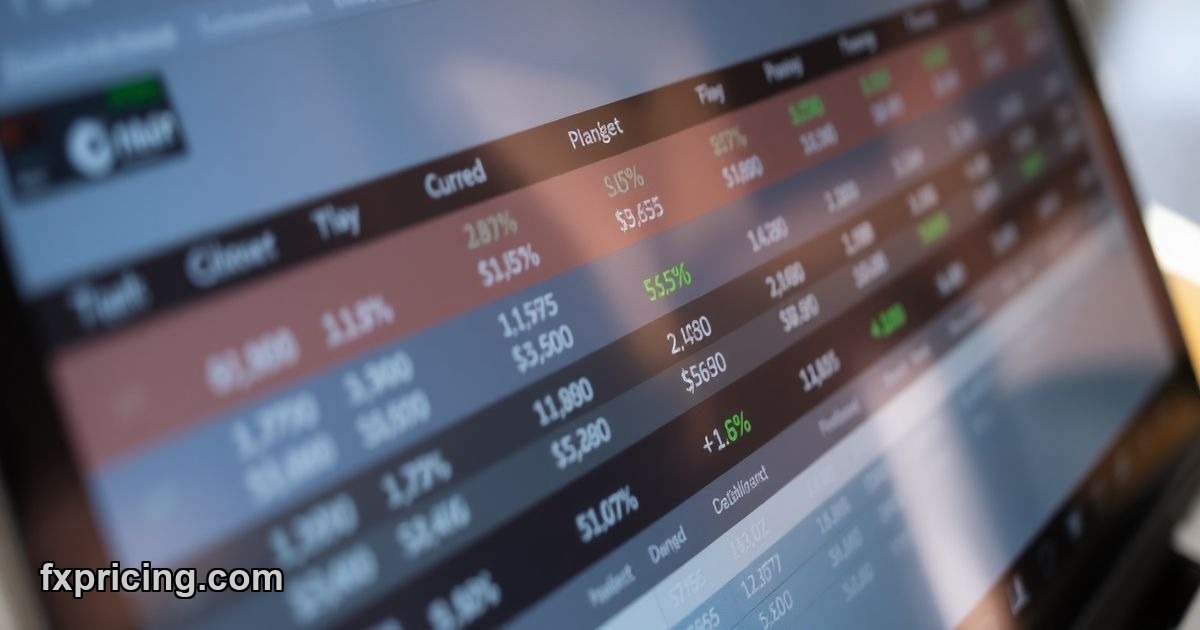
How to Use FXPricing Ticker Widgets
The Forex Ticker Widget runs as a horizontal bar across your page. 15 symbols maximum, daily price changes scrolling from right to left or left to right depending on your preference. Click "Get Widget", grab the embed code, paste it into your site's HTML.
Takes about 90 seconds total. You don't configure servers, you don't authenticate with keys, you don't worry about rate limits. It's an iframe — the same tech YouTube uses for video embeds.
Single Ticker Widget works the same way but focuses on one symbol instead of 15. If your site tracks one specific pair or commodity, this keeps the layout minimal. Same setup process — get code, paste, done.
Currency Converter Widget for E-Commerce Sites
Real-time exchange rates in a calculator format. Users type an amount, select two currencies, see the conversion instantly. E-commerce platforms add this to checkout pages. Travel blogs embed it in destination guides. Financial news sites drop it into articles about currency volatility.
The value here is speed. Someone reading about GBP collapses against USD doesn't want to open a separate tab to check rates. The converter sits right there in the content.
And because it pulls live data, you're not serving stale rates from cached API calls. The number on screen matches the number in the market right now.
Best Widget Features for Financial Websites
No signup required. No email capture forms before you get the embed code. You visit the free forex widget page, click the widget you want, copy the iframe, leave. That's it.
The widgets handle their own styling. You can customize some parameters — which pairs to show, how many symbols in the ticker, display mode options — but you don't have to. Default settings work fine for most use cases.
- 150+ currencies with thousands of pair combinations
- Ask, bid, current rate, and percentage change all visible
- Multiple display modes for tickers
- Single-symbol focus option
- Currency converter with instant calculations
Performance stays consistent even when markets spike. I've seen other free widgets choke during high volatility — data lags, refresh rate drops, sometimes the feed just stops. FXPricing widgets keep updating.
Widget Integration Guide 2026
You need a website where you can edit HTML. WordPress, Wix, Squarespace, custom-built sites — doesn't matter. If you can paste an iframe tag, you can add these widgets.
Step one: go to the FXPricing widget page. Step two: click "Get Widget" under the tool you want. Step three: copy the iframe code that appears. Step four: paste it into your site's HTML editor where you want the widget to show up. Step five: save and publish.
That's the entire process. No API keys to generate, no developer documentation to read, no authentication headers to configure.
Ticker Quote Widget for Homepage Currency Data
The Ticker Quote Widget gets used on homepages more than any other widget type. It's the Currency Price Index tool — clean, fast, shows key pairs without taking up much vertical space.
Most sites stick it at the top of the page or in a sidebar. It runs continuously, updating prices as they change. Users glance at it the same way they check a stock ticker on financial news sites.
Real-time updates matter here. A homepage widget showing 10-minute-old data loses credibility fast. FXPricing refreshes in real-time, so the rates visitors see match what's happening in the market at that exact moment.
Forex Cross Rates Widget Access
The Cross Rates Widget focuses on currency relationships — not just individual pairs, but how multiple currencies interact. You select a base currency, and the widget displays its value against several others simultaneously.
This helps traders who watch correlations. If you're trading EUR but also monitoring how it performs against JPY, GBP, CHF, and AUD at the same time, cross rates give you that view in one table instead of checking five separate charts.
The widget pulls live quotes, same as the others. No manual refresh button — it updates automatically as exchange rates shift.
Why Free Financial Widgets Matter
Paid data feeds cost anywhere from $50 to $500+ per month depending on coverage and refresh rates. For small sites, that's unsustainable. You either skip live data entirely or use outdated free sources that update once per hour.
FXPricing splits the difference. Free access, real-time data, no subscription walls. The trade-off is customization — you get what the widget offers, not a fully bespoke solution built to your exact specs.
But for 90% of use cases — blogs covering forex news, comparison sites listing broker spreads, educational content explaining currency moves — these widgets handle everything you need without charging for it.
Financial sites running on tight budgets finally have a way to show live rates without sacrificing accuracy or paying for enterprise-grade data feeds they don't fully utilize. That's the core value FXPricing delivers — professional-grade widgets at a price point (free) that makes them accessible to anyone who needs forex data on their