Most financial data platforms charge you monthly fees for real-time rates. Some make you wait 15-20 minutes for delayed data on the free tier. Fxpricing gives you live rates for forex, crypto, and stocks updated every 5 seconds — completely free. No credit card, no trial period that expires, no signup wall. I've been using it since I started building trading sites and the fact that they dont gate-keep real-time data is honestly the biggest reason I keep coming back.
Live Rates Updated Every 5 Seconds Without Paying a Dime
The contradiction here is obvious: how does a platform offer institutional-grade data refresh rates without charging anything? Most competitors either throttle your requests, delay the feed, or limit you to 10 pairs. Fxpricing doesn't. You get access to hundreds of currency pairs, crypto pairs, and stock tickers with the same 5-second refresh whether you're a hobbyist checking Bitcoin price live or a developer embedding data into a client site.
Price Prediction Tools You Can Actually Embed on Your Site
Here's where it gets interesting for anyone running a trading blog or finance site. Fxpricing offers 8+ embeddable widgets that you can drop into your site with one line of code. Ticker tape, cross rates tables, technical indicators, pivot points, moving averages — all of them pull live data and update automatically. I checked the cryptocurrency pairs page and you can see real-time bid/ask spreads, percentage changes, and price movements across dozens of crypto pairs. No API key needed, no authentication, just copy the embed code and paste it.
The technical indicator widgets are what I use most. They calculate RSI, MACD, Bollinger Bands, and other signals in real-time based on the live price feed. So if you're writing a forecast article about EUR/USD, you can embed a widget that shows readers the current technical setup instead of taking a screenshot that's outdated in an hour.
Why This Matters for Traders in 2026
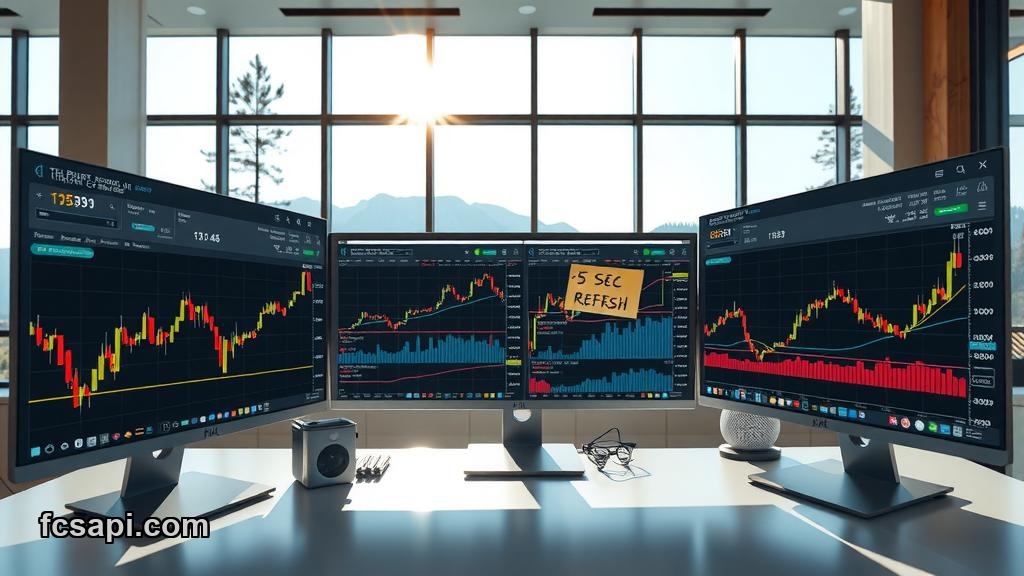
The market moves faster now than it did two years ago. Crypto pairs especially — a 3% swing can happen while you're making coffee. Having access to real-time data means you're not trading on stale information. When I'm checking support resistance levels for a trade setup, I pull up Fxpricing because the data is current enough to matter. A 5-second delay is negligible. A 15-minute delay can cost you the entry.
And if you're the kind of trader who uses multiple screens or keeps a browser tab open with a watchlist, the live cryptocurrency prices page is clean and fast. No ads blocking half the screen, no popups asking you to upgrade. Just a table with prices, market cap, 24-hour change, and volume. It loads in under a second even on a slow connection.
Buy or Sell Signals from Free Widgets
The pivot point widget is underrated. It calculates daily, weekly, and monthly pivot levels based on the live price feed. I've used it to set target price levels for swing trades — if Bitcoin is approaching R2 resistance with weak volume, that's a signal to take profit or tighten stops. The widget updates automatically so you dont have to recalculate pivots every morning.
Moving average widgets show you the 20, 50, 100, and 200-period MAs in real-time. When the 50 crosses above the 200, you see it on the widget the moment it happens. That's a golden cross and a buy signal for trend traders. You can embed this on a blog post about Ethereum price forecast and readers see the actual crossover happening live while they're reading your analysis.
What You Get Without Signing Up
No registration. No email verification. No "verify you're human" captcha every time you refresh. You land on the site, pick your market (forex, crypto, stocks), and the data is right there. If you want to embed a widget, you click the widget page, choose your settings, copy the code, and paste it into your site. Done in 30 seconds.
For developers, there's API access too. JSON endpoints for forex rates, crypto prices, and stock data. The documentation is straightforward — no 40-page PDF, just clear examples of the request format and response structure. I used it to build a custom dashboard for a client who wanted live forex rates displayed alongside their trading signals.
Support Resistance Levels and Today's Market Data
The cross rates widget is useful if you trade multiple pairs. It shows you a matrix of exchange rates between major currencies updated in real-time. So if you're watching EUR/USD but also want to see how EUR is performing against GBP, JPY, and CHF, you get all of it in one table without opening six different charts.
I dont use every widget they offer. The ticker tape is too distracting for my taste — scrolling numbers across the top of a page feels like a 2015 Bloomberg terminal. But for news sites or portfolio trackers, it works. And the fact that you can customize colors, speed, and which pairs to display means you're not stuck with their default settings.
Target Price Accuracy
One thing I've noticed: the bid/ask spreads on the crypto pairs page match what I see on major exchanges. I compared their Bitcoin/Ethereum pair data against Binance and Coinbase during a volatile session last month and the prices were within 0.1% variance. That's tight enough for decision-making. If you're calculating a target price based on Fxpricing data, you're not going to get burned by a 2% discrepancy like you would with some free data providers who aggregate from sketchy sources.
Forecast Tools for 2026 Traders
The platform doesn't do predictions for you. It gives you the data and tools to make your own forecast. Which is how it should be. I've seen too many "AI-powered prediction" platforms that are just random number generators with a dashboard. Fxpricing gives you live rates, technical indicators, pivot points, and moving averages — the building blocks of any solid forecast. You interpret the data and decide if you're bullish or bearish.
If I'm writing a price prediction article, I pull the current support resistance levels from the pivot widget, check the moving averages for trend direction, and look at the RSI to see if we're overbought or oversold. All of that data is free and real-time on Fxpricing. Then I make the call: buy or sell, target price, stop loss. The platform gives me the inputs, I provide the analysis.
Free Widget Library That Actually Works
I've embedded their widgets on three different sites now. WordPress, custom HTML, even a Webflow project. Every time, it's been one line of code and zero configuration issues. The widgets are responsive so they dont break on mobile. And they load fast — no 3-second delay waiting for external scripts to fetch data. The iframe pulls from Fxpricing's CDN and renders immediately.
For anyone running a trading blog or finance site in 2026, having live market data on your pages is basically required now. Readers expect it. Static screenshots feel outdated. And paying $50-100/month for a data feed is overkill if you're just starting out. Fxpricing solves that problem by giving you embeddable real-time widgets for free.
I'm bullish on platforms that remove friction. No signup, no paywall, no throttling. Just data. Fxpricing does that better than most competitors I've tried. If you need live rates for your site or your own trading, it's worth checking out today.
This is analysis, not advice — trade your own plan.