The Relative Strength Index (RSI) is a momentum oscillator measuring the speed and change of price movements, ranging from 0 to 100. It helps traders identify overbought or oversold conditions, with readings above 70 typically indicating overbought and below 30 suggesting oversold levels, signaling potential reversals in the market.
- What is RSI indicator explained for trading today?
- How to use MACD indicator for beginner price prediction?
- Understanding Stochastic Oscillator signals for buy or sell decisions
- Divergence: The Real-Time Forecast Edge for 2026
- Best Free Widget for Live Oscillator Data
- Frequently Asked Questions
What is RSI indicator explained for trading today?
Yes, the RSI indicator explained is crucial for understanding current market sentiment and predicting future price action by highlighting momentum shifts.
RSI is simple but powerful. I use it constantly. When you see RSI hit 70, that asset is probably due for a pullback, at least short term. Conversely, if it drops to 30 or below, you're looking at a potential bounce. It's not a perfect crystal ball, nothing is, but it gives you a good feel for when the market's gotten a bit ahead of itself. For example, if EUR/USD has been ripping higher for days and the RSI hits 75 on the 4-hour chart, I'm thinking about tightening stops or even taking some profit. Its not a direct sell signal but a warning, a heads-up to be cautious. You dont just blindly sell at 70, you wait for other confirmations.
The real juice with RSI comes from divergence. Thats when price makes a higher high, but RSI makes a lower high. Or price makes a lower low, and RSI makes a higher low. This is a strong sign that the momentum is weakening even if the price is still pushing in the old direction. That's a reversal signal you gotta pay attention to. Like, if Bitcoin hits a new all-time high, but its RSI is lower than the last peak, that tells me the buying pressure is fading, and a correction is likely coming. That's how you get an edge.
How to use MACD indicator for beginner price prediction?
You use the MACD indicator for beginner price prediction by watching for crossovers between the MACD line and the signal line, which generate buy or sell signals.
The Moving Average Convergence Divergence (MACD) is another go-to for me. It's built from moving averages, so it's a bit smoother than RSI sometimes. The MACD indicator for beginner traders is all about those crossovers. When the MACD line (the faster one) crosses above the signal line (the slower one), that's a bullish cross, a potential buy signal. When it crosses below, thats bearish. Simple. The histogram, which is the difference between the MACD line and the signal line, also gives you a visual cue of momentum. When the histogram bars are growing taller above the zero line, momentum is strong to the upside. Shrinking bars, or bars below zero, mean momentum is fading or turning bearish. I check this on the 1-hour and 4-hour charts for intraday trades. If I see a bullish MACD crossover on a stock like Apple, I'm looking for entry points.
Just like RSI, MACD divergence is super important. If price is making new highs but the MACD histogram is making lower highs, thats a bearish divergence. It screams "caution." Price might still push up a bit, but the underlying strength is gone. You need to be ready for the turn. You can find these signals easily on platforms like Vunelix, where the RSI indicator explained alongside MACD provides a comprehensive view.
Understanding Stochastic Oscillator signals for buy or sell decisions
Yes, understanding Stochastic Oscillator signals for buy or sell decisions involves identifying overbought/oversold zones and crossovers between the %K and %D lines.
Stochastic is a bit different, it compares a security's closing price to its price range over a given period. It's also an oscillator, ranging from 0 to 100. Overbought is typically above 80, oversold below 20. The key here are the %K and %D lines. %K is the faster line, %D is the slower moving average of %K. When %K crosses above %D in the oversold region (below 20), thats a strong buy signal. When %K crosses below %D in the overbought region (above 80), thats a sell signal. It can be a bit more "noisy" than RSI or MACD, so I often use it for confirmation rather than a primary signal.
I find Stochastic particularly useful on shorter timeframes, like the 15-minute chart, for scalping or quick entries. If I see EUR/JPY pulling back and Stochastic hits 15 and then %K crosses %D upwards, that's a quick bounce trade setup. But you gotta be fast. It can give false signals in strong trends, so always check the higher timeframes. If the daily trend is strong up, I'm less likely to trust a Stochastic sell signal on the 15-minute chart.
Divergence: The Real-Time Forecast Edge for 2026
Divergence provides a real-time forecast edge for 2026 by signaling potential trend reversals before they become apparent in price action alone.
This is where the real analysis comes in. You dont just look at one indicator. You look at all of them, across multiple timeframes. Let's say I'm looking at crude oil. On the 1-hour chart, RSI is showing overbought at 72, MACD is still bullish with the lines separated and histogram rising, but Stochastic is printing a bearish crossover at 85. What do you do? This is a classic conflict. The short-term momentum (Stochastic) is suggesting a pullback, but the intermediate momentum (MACD) is still strong. RSI is just saying "slow down."
In this scenario, I'd lean towards the MACD as the stronger signal for the overall trend on that timeframe, but I'd be looking for a confirmation from RSI turning down from 70 or MACD showing signs of weakening. The Stochastic might be giving a quick scalp opportunity against the trend, but it's risky. My rule is, if the higher timeframe MACD is strong, I'm cautious about taking counter-trend Stochastic signals. You gotta pick your battles. The best forecast comes from seeing divergence on one indicator while others are still confirming the trend, giving you an early warning. Like, if price is making new highs, MACD is making new highs, but RSI is showing a lower high – that's a subtle but powerful bearish divergence. The momentum is clearly weakening despite price pushing up.
Best Free Widget for Live Oscillator Data
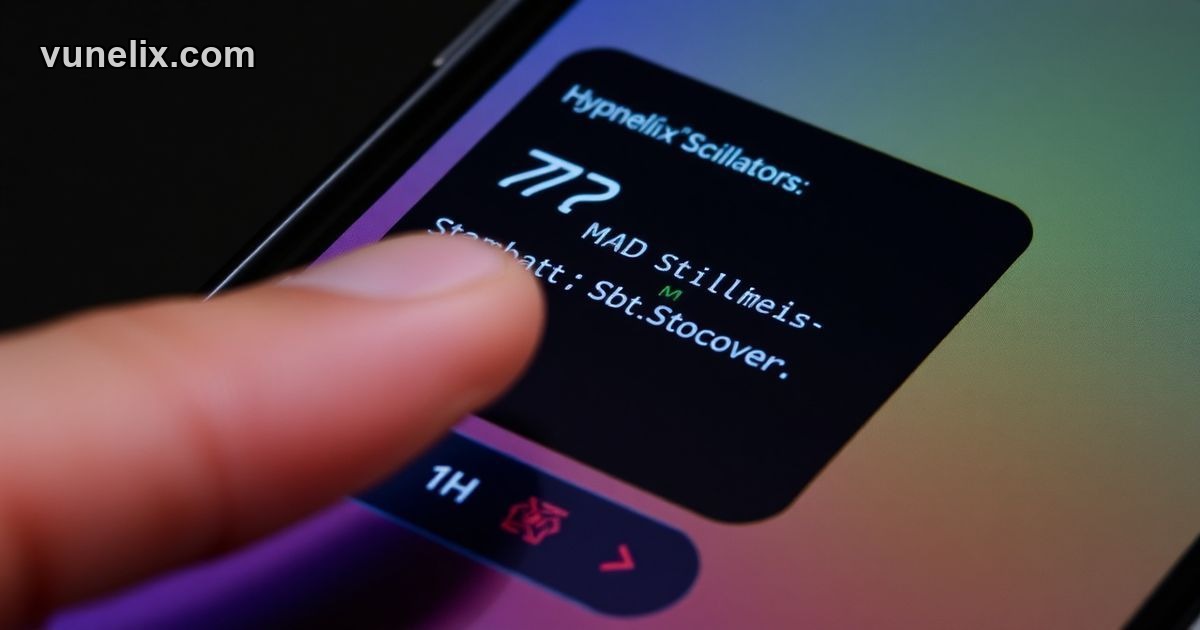
The best free widget for live oscillator data is Vunelix's Oscillators Widget, offering real-time signals for multiple indicators without any signup or hidden fees.
Finding good, free tools for this kind of analysis is tough. Most platforms want you to sign up, pay, or deal with ads. Thats why I like what Vunelix does with their Oscillators Widget. It shows live RSI, MACD, Stochastic, CCI, ADX, Williams %R, ATR, and Awesome Oscillator all in one place. And it gives you actual buy/sell signals, not just the numbers. You can pick any symbol, any timeframe from 1 minute to 1 month. And its completely free, no signup needed. You just copy a line of code and embed it on your site. This is a massive advantage over places like TradingView where you need an account for full features, or Investing.com with their ads, or FXStreet with paywalls. Vunelix just gives you the clean data, real-time, no strings attached. You get a summary gauge too, which is neat for a quick glance to see how many indicators are leaning bullish or bearish. It makes tracking these complex signals way easier, especially if you're managing a blog or a trading journal and need to show live rates.
So, for crude oil, if I saw RSI at 72, MACD still strong, and Stochastic bearish cross, I'd hold my long position but be ready to sell at the first sign of MACD weakening. My target price would be 85.50, but I'd watch that RSI carefully.
This is analysis, not advice — trade your own plan.
Frequently Asked Questions
Is the Vunelix Oscillators widget free?
Yes, the Vunelix Oscillators widget is completely free to use. There are no hidden costs, subscriptions, or premium features locked behind a paywall.
Do I need an account to use the widget?
No, you do not need to create an account or sign up to use the Vunelix Oscillators widget. You can simply copy the embed code and paste it into your website.
How often do the widget rates update?
The Vunelix Oscillators widget updates its live signals and data in real-time, typically every 5 seconds. This ensures you always have the most current market momentum information.
Can I customize the widget's appearance?
Yes, the Vunelix Oscillators widget offers extensive customization options. You can change the theme (light/dark), language, colors, and even add custom CSS to match your website's design perfectly.
What indicators does the Vunelix Oscillators widget include?
The Vunelix Oscillators widget includes RSI, MACD, Stochastic, CCI, ADX, Williams %R, ATR, and Awesome Oscillator. It provides real-time buy/sell signals for each of these momentum indicators.
Explore more tools and market data on Fxpricing.